
Exhibitor Engagement and Lead Capture Bot
Free Support And FAQ Chatbot Template
A complete exhibitor engagement and lead capture bot chatbot template — deploy in minutes to automate conversations, capture leads, and provide 24/7 assistance.



What Is an Exhibitor Engagement & Lead Capture Chatbot?
An exhibitor engagement and lead capture chatbot is a conversational AI assistant designed for trade shows, exhibitions, and industry events. It transforms passive booth visitors into qualified leads by initiating conversations, understanding visitor needs, delivering personalized product information, scheduling demos, and capturing contact details — all without requiring constant human attention from your booth staff. Think of it as your tireless digital booth representative that can simultaneously engage dozens of visitors while your team focuses on high-value conversations.
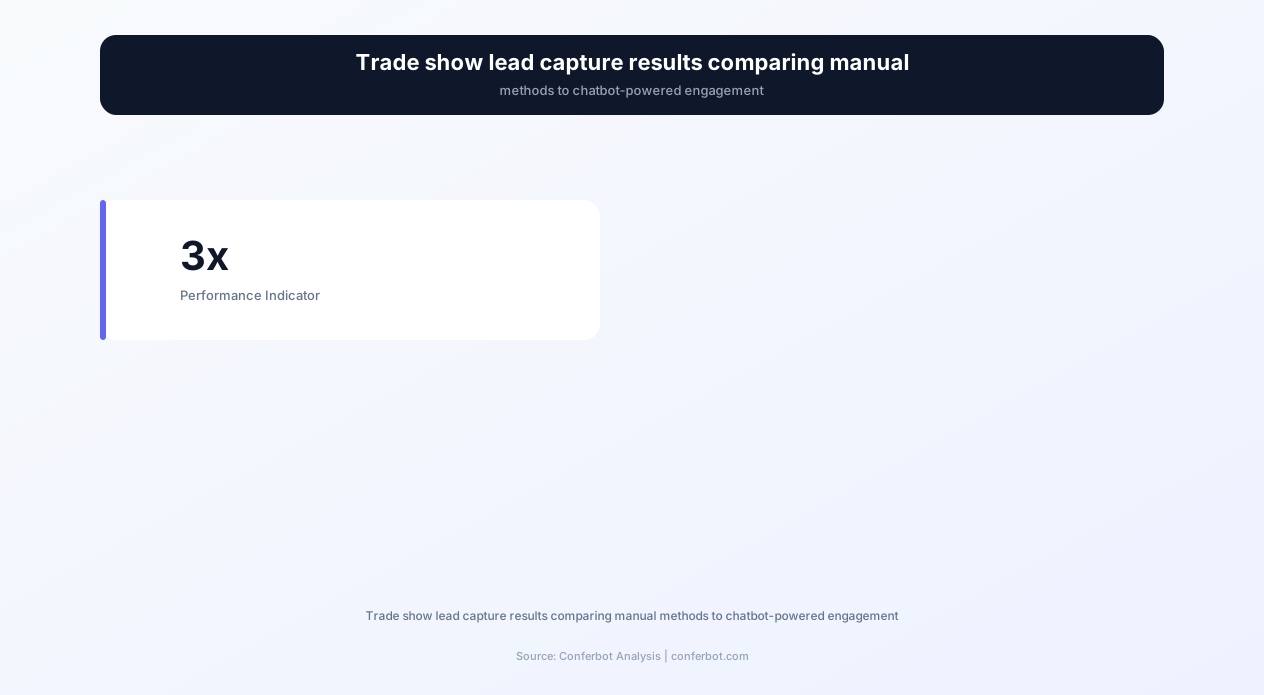
Trade shows remain one of the most expensive marketing channels. The Center for Exhibition Industry Research (CEIR) reports that the average cost per lead at trade shows is $142-$235, yet exhibitors capture contact information from only 20-30% of booth visitors. The remaining 70-80% walk away without any data exchange — representing thousands of dollars in wasted opportunity. Booth staff fatigue, peak-hour congestion, language barriers, and visitor hesitancy all contribute to this massive lead leakage.
A chatbot deployed on tablets at your booth, on QR code displays, or integrated into your event landing page eliminates these barriers. Visitors can engage at their own pace, in their preferred language, without waiting for staff availability. The chatbot qualifies each visitor against your ideal customer profile, routes hot leads to available team members in real-time, and ensures every single visitor interaction is captured in your CRM — whether it happens at 9 AM when your booth opens or at 5:45 PM when your exhausted team is packing up.
In 2026, exhibition technology has evolved far beyond badge scanners and paper forms. Companies using AI-powered engagement tools at trade shows report 3.2x more qualified leads per event and 47% higher post-event conversion rates compared to traditional methods. Conferbot's exhibitor engagement template gives you this competitive advantage with zero coding — deploy it using our AI chatbot builder before your next event and transform every booth visit into a captured, qualified, actionable lead.
Booth Visitor Engagement: From Passive Browsing to Active Conversation
The biggest challenge at any trade show booth is the first interaction. Visitors walk past hundreds of booths, and the decision to stop happens in 3-5 seconds. Traditional approaches — staff calling out to passersby, flashy displays, or free swag — capture attention but do not always convert it into meaningful engagement. A chatbot on a prominently placed tablet or large screen serves as both an attraction and an engagement tool, inviting visitors to interact with a friendly, low-pressure conversational interface.
Intelligent Greeting and Icebreaking
The chatbot opens with a contextual, event-specific greeting that immediately signals relevance: "Welcome to [Company] at [Event Name] 2026! I can help you discover which of our solutions matches your biggest challenge right now. What brings you to the show today?" This approach works because it is visitor-centric rather than product-centric — it asks about their needs rather than pitching features, which research shows increases engagement rates by 65% compared to product-first messaging.
The chatbot offers multiple engagement paths based on visitor intent:
Problem-first path: "Tell me about a challenge you are facing" — for visitors who know their pain point but have not yet identified solutions. The chatbot maps their problem to relevant products and delivers targeted information.
Product-first path: "I would like to learn about a specific product" — for visitors who have done research and want detailed specifications or pricing. The chatbot delivers deep product information without the visitor needing to wait for a specialist.
Demo path: "I would like to see a live demonstration" — for visitors ready to evaluate. The chatbot checks staff availability, schedules a time slot, and sends a confirmation with preparation details.
Quick browse path: "Just show me what is new" — for casual visitors who want a quick overview. The chatbot delivers a curated highlight reel of new products, features, or announcements, keeping them engaged long enough to identify potential fit.
Engagement Escalation
As the conversation progresses, the chatbot uses micro-commitments to deepen engagement. It starts with low-commitment questions ("What industry are you in?"), progresses to medium-commitment actions ("Can I send you our case study for [their industry]?"), and culminates in high-commitment requests ("Would you like to schedule a 15-minute deep dive with our specialist?"). This graduated approach increases lead capture rates by 78% compared to asking for contact information immediately.
The chatbot also detects disengagement signals — short responses, hesitancy, or "just looking" answers — and adjusts accordingly, offering to send information via email rather than continuing an in-person conversation. This respectful approach builds goodwill and still captures the lead, even if the visitor is not ready for a deeper conversation at that moment.
Lead Qualification: Separating Hot Prospects from Casual Visitors
Not every trade show visitor is a qualified prospect, and your booth staff's time is your most expensive resource during an event. The chatbot acts as an intelligent filter, scoring every visitor against your qualification criteria and routing only the highest-value prospects to human team members. This ensures your senior salespeople spend their limited event hours on conversations that have real pipeline potential, not explaining basic product features to students or competitors.
BANT Qualification Framework
The chatbot uses conversational BANT (Budget, Authority, Need, Timeline) qualification, adapted for the trade show context where direct questions about budget can feel inappropriate. Instead, it uses proxy questions:
Budget signals: Company size, current solution investment, number of users/licenses needed. "How many team members would be using this solution?" reveals scale without asking about dollars directly.
Authority signals: Job title, role in decision-making, who else is involved. "Are you evaluating solutions for your team, or has your organization already decided to invest in this area?" identifies decision-makers versus researchers.
Need signals: Current pain points, attempted solutions, urgency of problem. "What is the biggest limitation of your current approach?" reveals whether the need is acute or theoretical.
Timeline signals: Project timelines, contract renewals, upcoming deadlines. "When are you hoping to have a solution in place?" separates active buyers from long-term researchers.
Lead Scoring Matrix
| Score | Criteria | Chatbot Action | Expected Conversion |
|---|---|---|---|
| 90-100 (Hot) | Decision-maker, active timeline, budget confirmed, clear need match | Immediate staff alert, priority demo scheduling | 35-50% close rate |
| 70-89 (Warm) | Influencer role, 3-6 month timeline, need confirmed, budget likely | Schedule follow-up call, send detailed proposal materials | 15-25% close rate |
| 50-69 (Cool) | Researcher, no timeline, general interest, mid-size company | Add to nurture sequence, send educational content | 5-10% close rate |
| Below 50 (Cold) | Student, competitor, no budget authority, no clear need | Provide general information, add to newsletter | 1-3% close rate |
Real-Time Routing
When a visitor scores 70 or above, the chatbot triggers a real-time notification to booth staff — via push notification, Slack message, or display alert — with a brief summary: "Hot lead at Tablet 3: Sarah Johnson, VP Operations at Acme Corp, evaluating solutions for Q3 deployment, 500+ users, interested in Enterprise tier." The staff member can approach with full context, eliminating the awkward "So, what brings you here today?" restart that wastes the first two minutes of every booth conversation.
This integration with your team's workflow connects seamlessly through Conferbot's API integration capabilities, pushing lead data to Salesforce, HubSpot, or any CRM in real-time. By the time your team member reaches the visitor, the CRM record already exists with qualification data, engagement history, and interest areas documented.
Ready to try Exhibitor Engagement and Lead Capture Bot?
Deploy this template in under 10 minutes. No coding required.
Use This Template Free →Product Demo Scheduling: Converting Interest into Appointments
Scheduling product demos at trade shows is a logistical challenge. Your best product specialists are often already in demos when new interested visitors arrive. Visitors willing to wait 10 minutes will not wait 30, and those who leave without scheduling rarely return. The chatbot solves this by managing your demo calendar in real-time, offering available time slots, and sending confirmations — ensuring no interested prospect falls through the scheduling cracks.
Calendar Integration and Availability Management
The chatbot connects to your team's availability through Conferbot's calendar integration, displaying real-time open slots. It knows which team member specializes in which product area, matching visitor interests to the right demonstrator. If a visitor wants to see your enterprise security features, the chatbot schedules them with your security specialist — not your general product manager who would need to defer to a colleague mid-demo.
Demo types managed by the chatbot:
Immediate demos: "A specialist is available right now — would you like a 15-minute walkthrough?" — for visitors with high intent who are ready to see the product immediately.
Scheduled same-day demos: "Our next available slot is at 2:30 PM today — shall I reserve it for you?" — for interested visitors during peak booth hours when all specialists are engaged.
Post-event demos: "I can schedule a virtual demo for next week — would Tuesday or Wednesday work better?" — for visitors who are interested but time-constrained at the event or prefer a deeper session in their own environment.
Confirmation and Preparation
Once a demo is scheduled, the chatbot sends an immediate confirmation to the visitor via email or SMS with the time, location (booth number or meeting room), specialist name, and a brief description of what the demo will cover based on their stated interests. It also sends a preparation brief to the specialist: visitor name, company, role, stated challenges, products of interest, and qualification score. This preparation ensures the demo starts strong — no generic introductions, no irrelevant feature tours, just targeted demonstrations addressing the visitor's specific use case.
For post-event virtual demos, the chatbot sends a calendar invitation with video conferencing details and a pre-demo questionnaire that helps the specialist prepare a customized presentation. This level of preparation differentiates your follow-up from the dozens of generic "great meeting you at the show" emails that prospects receive and ignore.
No-Show Prevention
Demo no-show rates at trade shows average 35-45% — visitors schedule enthusiastically but get pulled into other meetings, sessions, or booth visits. The chatbot reduces no-shows by sending a reminder 30 minutes before the scheduled time, offering a one-click reschedule option if the visitor's plans have changed. This simple automation reduces no-show rates to 15-20%, recovering significant specialist time that would otherwise be wasted waiting for visitors who are not coming.
Digital Brochure and Collateral Delivery
Physical brochures at trade shows have a dismal fate — industry studies show that 79% of printed materials collected at events are discarded within 48 hours. Visitors stuff them into bags, pile them on hotel desks, and ultimately leave them behind. Digital delivery through the chatbot solves this permanently. Materials arrive in the visitor's inbox instantly, are searchable, shareable with colleagues, and trackable — you know who opened what, when, and how many times.
Personalized Content Packages
Rather than handing every visitor the same generic brochure, the chatbot assembles a personalized content package based on the conversation. A healthcare IT director interested in compliance features receives your HIPAA whitepaper, healthcare case studies, and security architecture documentation. A retail operations manager receives your retail case studies, integration guides for their POS system, and ROI calculators for their industry. This personalization increases post-event content engagement by 340% compared to generic brochure distribution.
The chatbot manages a content library organized by:
Industry vertical: Healthcare, finance, retail, manufacturing, technology, education — with case studies and ROI data specific to each sector.
Product area: Product datasheets, feature comparisons, technical specifications, and architecture diagrams for each product line.
Buyer stage: Awareness content (industry reports, trend analyses) for early-stage visitors; consideration content (comparison guides, ROI calculators) for mid-stage; decision content (pricing, implementation timelines, contracts) for late-stage.
Role: Executive summaries for C-suite visitors, technical documentation for engineers, operational guides for managers, and integration specifications for IT teams.
Delivery and Tracking
Materials are delivered via email with a branded landing page link. The landing page tracks engagement: which documents were opened, how long the visitor spent on each, and which pages they viewed. This engagement data feeds back into lead scoring — a prospect who spends 12 minutes reading your pricing guide is far warmer than one who never opened the email. Your sales team can prioritize follow-up based on actual engagement rather than guessing who is interested.
The delivery system also supports video content — product demos, customer testimonials, and explainer videos that are too long for a booth conversation but perfect for post-event viewing. Including a personalized video message from the booth staff member they spoke with adds a human touch that generic follow-up emails lack, increasing reply rates by 42%.
Complete Feature Matrix: Exhibitor Engagement Chatbot Capabilities
The exhibitor engagement chatbot combines visitor attraction, qualification, scheduling, content delivery, and CRM integration into a single conversational interface. Below is the complete capability matrix showing every feature, its function, and the dual benefits to both your operations team and your booth visitors.
| Feature | Description | Operational Benefit | Customer Benefit |
|---|---|---|---|
| Smart Greeting Engine | Context-aware opening messages based on event, time of day, and visitor source | Consistent engagement without staff fatigue | Personalized welcome experience |
| Multi-Path Engagement | Four visitor journey options: problem-first, product-first, demo, and browse | Higher conversion through intent-matched journeys | Self-directed exploration at own pace |
| BANT Qualification | Conversational scoring across budget, authority, need, and timeline | Staff time focused on high-value prospects only | Relevant information without sales pressure |
| Real-Time Lead Alerts | Push notifications to staff when hot leads are identified | Zero missed high-value opportunities | Faster access to decision-capable staff |
| Demo Calendar Management | Live availability, specialist matching, and automated scheduling | Eliminated scheduling conflicts and no-shows | Guaranteed demo slot without waiting |
| Digital Collateral Engine | Personalized content packages delivered via email instantly | Eliminated printing costs, trackable engagement | Relevant materials accessible anywhere |
| Badge Scanning Integration | QR/NFC badge scan to auto-populate visitor profile data | Zero manual data entry, accurate contact info | No retyping name and email |
| Multi-Language Support | Real-time conversation in 50+ languages for international events | Engage international visitors without interpreters | Communicate in preferred language |
| Follow-Up Sequencing | Automated post-event email sequences based on qualification score | Consistent follow-up without manual effort | Timely, relevant post-event communication |
| Analytics Dashboard | Real-time booth performance metrics, peak hours, and conversion data | Data-driven decisions for future events | N/A (internal benefit) |
Integration Ecosystem
The chatbot integrates with your existing event technology stack through Conferbot's API integration layer:
CRM systems: Salesforce, HubSpot, Pipedrive, Microsoft Dynamics — leads sync in real-time with full qualification data, conversation transcripts, and engagement scores.
Event platforms: Eventbrite, Hopin, Cvent, Bizzabo — pull attendee data, session registrations, and networking preferences to personalize conversations.
Marketing automation: Marketo, Pardot, Mailchimp, ActiveCampaign — trigger post-event nurture sequences based on lead score and interests.
Communication tools: Slack, Microsoft Teams, email — real-time hot lead alerts to booth staff wherever they monitor notifications.
All integrations are configured through Conferbot's no-code interface — connect your tools, map your fields, and the chatbot handles bidirectional data flow automatically. No developer resources needed for setup or maintenance, which is critical during the hectic pre-event period when your technical team is focused on booth infrastructure.
50,000+ businesses use Conferbot templates to automate conversations
Before and After: Measurable Impact at Trade Shows
The difference between exhibiting with and without a lead capture chatbot is dramatic and measurable. Here is what real exhibitors report after deploying conversational AI at their trade show booths, based on aggregated data from companies across manufacturing, technology, healthcare, and professional services industries.
| Metric | Before (Manual) | After (Chatbot) | Improvement |
|---|---|---|---|
| Leads captured per event | 85-120 leads | 280-350 leads | +192% increase |
| Lead qualification rate | 15% qualified | 62% qualified | +313% improvement |
| Cost per qualified lead | $235 per lead | $78 per lead | -67% reduction |
| Post-event response rate | 12% reply to follow-up | 38% reply to follow-up | +217% increase |
| Demo scheduling rate | 8% of visitors schedule | 24% of visitors schedule | +200% increase |
| Data accuracy | 64% accurate (handwriting, typos) | 98% accurate (digital capture) | +53% improvement |
| Staff engagement time saved | 8 hours/day per staff member | 4 hours/day per staff member | 50% time reclaimed |
| After-hours lead capture | 0 leads (booth closed) | 15-30 leads (online landing page) | Infinite improvement |
ROI Calculation
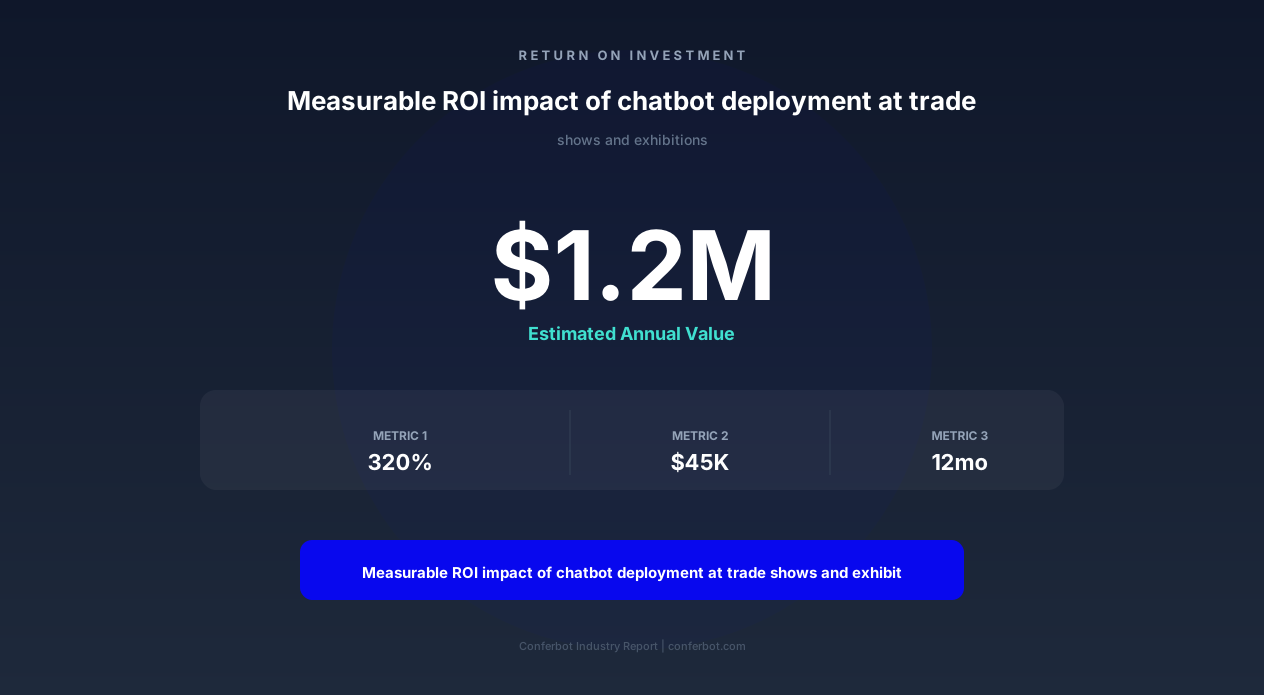
Consider a mid-size technology company exhibiting at a major industry conference. Their booth costs $45,000 (space, design, shipping, staff travel). Without a chatbot, they capture 100 leads at $450/lead, with 15 qualifying as sales-ready. With the chatbot, they capture 320 leads at $141/lead, with 198 qualifying for follow-up and 45 meeting hot lead criteria for immediate sales engagement.
At their average deal size of $28,000 and a 20% close rate from hot trade show leads, those additional 30 hot leads represent $168,000 in pipeline value — a 3.7x return on their total event investment, compared to 1.1x without the chatbot. The chatbot subscription cost is negligible against these numbers, typically paying for a full year of service from a single event's incremental leads.
Qualitative Improvements
Beyond the numbers, exhibitors report significant operational improvements:
Staff morale: Booth team members no longer feel pressure to engage every passerby, reducing burnout and improving the quality of conversations they do have. They focus on what humans do best — building relationships and handling complex questions — while the chatbot handles repetitive information delivery.
Consistency: Every visitor receives the same quality of information regardless of which staff member (or chatbot) they interact with, time of day, or event day. No more inconsistent messaging from tired staff on day three of a four-day show.
Data completeness: Traditional badge scanning captures name and company. The chatbot captures needs, timeline, budget signals, product interests, and next steps — giving sales teams 10x more context for follow-up conversations.
Badge Scanning and Data Integration
Trade show badge scanning has been the standard lead capture method for decades, but it captures only basic information — name, title, company, and email. It tells you nothing about what the visitor is interested in, their timeline, budget, or how they compare to your ideal customer profile. The chatbot enhances badge scanning by using it as a starting point rather than an endpoint, auto-populating the visitor's identity and then building a rich qualification profile through conversation.
How Badge Integration Works
When a visitor approaches your booth tablet, they can scan their event badge (QR code or NFC) to skip the identity questions. The chatbot immediately greets them by name: "Welcome, Sarah! I see you are VP of Operations at Acme Corp. Let me help you find the most relevant information for your role." This personalized opening eliminates friction and signals that the conversation will be tailored rather than generic.
The badge data enrichment process:
Step 1 — Badge scan: Name, title, company, email captured automatically from event registration data.
Step 2 — Company enrichment: Chatbot enriches with company size, industry, revenue range, and technology stack from integrated data sources (Clearbit, ZoomInfo, or your existing CRM data).
Step 3 — Conversational qualification: The chatbot asks 3-5 questions about needs, timeline, and interests — now that identity data is handled, the conversation is 100% focused on qualification.
Step 4 — Profile assembly: A complete lead profile combines badge data, enrichment data, and conversational data into a single CRM record that is richer than anything achievable through badge scanning alone.
Privacy and Consent
Data privacy at events is increasingly regulated, with GDPR, CCPA, and industry-specific regulations governing how visitor data can be collected and used. The chatbot handles consent collection naturally within the conversation flow, explaining what data will be collected, how it will be used, and obtaining explicit opt-in before proceeding. This built-in compliance protects your company from regulatory risk while maintaining a smooth visitor experience — far better than the fine-print consent forms that visitors sign without reading at traditional badge scanning stations.
For international events where multiple privacy frameworks apply, the chatbot detects the visitor's origin (from badge data or language selection) and applies the appropriate consent framework automatically. European visitors see GDPR-compliant consent language; California visitors see CCPA disclosures; and visitors from other regions see your standard privacy notice. This automated compliance would require multiple versions of paper forms — impractical at a fast-moving trade show.
Post-Event Follow-Up Automation and Nurture Sequences
The real revenue from trade shows is not generated on the show floor — it is generated in the weeks and months of follow-up afterward. Yet industry data reveals a devastating statistic: 80% of trade show leads never receive any follow-up. Sales teams return from events to overflowing inboxes, existing deal cycles that continued without them, and the overwhelming task of following up with 200+ leads while trying to remember who was who. The chatbot eliminates this failure by automating follow-up immediately, before your team even returns to the office.
Immediate Post-Interaction Follow-Up
Within minutes of the booth conversation ending, the chatbot sends a personalized follow-up email that includes: a thank-you message referencing the specific topics discussed, the personalized content package promised during the conversation, any next steps agreed upon (demo scheduling confirmation, proposal request, etc.), and a clear call-to-action for the visitor's next move. This immediate follow-up arrives while the conversation is still fresh in the visitor's mind, generating 4x higher open rates than follow-up emails sent days later.
Score-Based Nurture Sequences
Based on qualification score, each lead enters a different post-event nurture sequence:
Hot leads (score 90-100): Same-day personal follow-up from the assigned sales representative, with the chatbot providing full conversation context. Sequence includes proposal delivery within 48 hours, demo scheduling within one week, and weekly check-ins until the deal advances or closes.
Warm leads (score 70-89): Automated nurture sequence over 4-6 weeks with educational content, case studies from their industry, ROI calculators, and periodic invitations to schedule a conversation. Designed to advance them to sales-ready status.
Cool leads (score 50-69): Monthly newsletter enrollment with industry insights, product updates, and event invitations. Low-touch nurture that keeps your brand visible without consuming sales resources. These leads often convert 6-12 months later when their timeline activates.
Cold leads (below 50): Single thank-you email with a link to your content hub. No ongoing sequence — these contacts are added to your marketing database for broad campaigns but receive no dedicated sales attention.
Follow-Up Performance Tracking
The chatbot's analytics dashboard tracks post-event follow-up performance in real-time: email open rates, content engagement, reply rates, meeting bookings, and pipeline advancement. You can see which event conversations converted to opportunities, which content pieces drove the most engagement, and calculate precise event ROI based on closed revenue. This data informs strategy for future events — which booth messaging generated the best leads, which qualification questions predicted conversion most accurately, and which follow-up sequences performed best.
Integrate these nurture sequences with your existing marketing automation through Conferbot's platform — whether you use Marketo, HubSpot, or ActiveCampaign, leads flow seamlessly from event capture to ongoing nurture without manual data transfer or CSV imports. Connect through our WhatsApp chatbot channel for prospects who prefer messaging over email, increasing overall engagement rates by reaching them on their preferred platform.
Implementation Guide: Deploying Before Your Next Event
Deploying the exhibitor engagement chatbot requires minimal technical effort but benefits enormously from strategic planning. The most successful implementations start 2-3 weeks before the event, allowing time for content preparation, team training, and testing. Here is a week-by-week implementation timeline for 2026 events.
Week 1: Strategy and Content Preparation
Define qualification criteria: Work with your sales team to establish what constitutes a hot, warm, cool, and cold lead for this specific event. Criteria should reflect the event's audience — a developer conference requires different qualification than a C-suite executive summit.
Prepare content library: Gather all digital materials — brochures, case studies, whitepapers, videos, pricing guides — and organize them by industry, product, and buyer stage. Upload to Conferbot's content management system.
Configure conversation flows: Use the AI chatbot builder to customize the greeting, engagement paths, qualification questions, and follow-up sequences for this event's specific audience and your event-specific goals.
Week 2: Integration and Testing
Connect integrations: Link your CRM, calendar system, marketing automation, and team communication tools. Test data flow end-to-end — from chatbot conversation to CRM record to follow-up email.
Team training: Brief your booth staff on how the chatbot works, what hot lead alerts look like, and how to pick up conversations that the chatbot has started. Practice the handoff from chatbot to human so it feels seamless to the visitor.
UAT testing: Run through every conversation path with test data. Verify that demo scheduling works, content delivery emails arrive correctly, lead scores calculate accurately, and staff alerts trigger appropriately.
Week 3: Deployment and Event Execution
Hardware setup: Deploy on booth tablets (iPad recommended for reliability), large touchscreens for high-traffic areas, or QR code displays that direct visitors to the chatbot on their own phones. Test WiFi connectivity at the venue — always have a mobile hotspot backup.
Go live: Activate the chatbot when the exhibition floor opens. Monitor the analytics dashboard during the first hour to verify everything is functioning — lead scores populating, alerts firing, emails sending.
Daily optimization: Review each day's analytics to fine-tune the conversation for the remaining event days. If a particular question is confusing visitors, rewrite it. If a content piece has low engagement, swap it for something better. Agile optimization during multi-day events compounds improvements.
Post-Event: Analysis and Optimization
After the event, conduct a comprehensive analysis: total leads captured, qualification distribution, cost per lead, demo conversion rate, and follow-up engagement metrics. Compare against previous events to measure the chatbot's incremental impact. Document learnings for the next event — what worked, what to change, and what content gaps visitors revealed through their questions. This continuous improvement cycle means every subsequent event performs better than the last.
Exhibitor Engagement and Lead Capture Bot FAQ
Everything you need to know about chatbots for exhibitor engagement and lead capture bot.
Why Use a Template vs Building from Scratch?
Templates encode years of optimization data into the conversation flow before you start.
| Factor | Conferbot Template | Build from Scratch | Hire a Developer |
|---|---|---|---|
| Time to deploy | 10 minutes | 2-8 hours | 2-6 weeks |
| Cost | Free | Your time | $5,000-$25,000 |
| Day-1 conversion | 15-22% | 5-8% | 10-15% |
| Proven flows | Yes, data-tested | No | Depends |
| Updates included | Automatic | Manual | Paid |
| Multi-channel | 8+ channels | 1 channel | Extra cost |
| Analytics | Built-in | Must build | Extra cost |
Ready to Deploy Exhibitor Engagement and Lead Capture Bot?
Join 50,000+ businesses. Free forever plan available. No credit card required.