
Sports Event Ticket Finder
Free Fitness And Sports Chatbot Template
A complete sports event ticket finder chatbot template — deploy in minutes to automate conversations, capture leads, and provide 24/7 assistance.



What Is a Sports Event Ticket Finder Chatbot?
A sports event ticket finder chatbot is an AI-powered sales assistant that helps fans discover sporting events, find the best available seats, compare pricing across ticket categories, manage group bookings, explore season pass options, access venue information, and secure accessibility-compliant seating — all through a natural conversational interface. It transforms the ticket purchasing experience from a frustrating multi-tab, multi-site comparison exercise into a guided conversation that delivers the right tickets at the right price with minimal effort from the buyer.
The sports ticket market is enormous and growing. Global sports event ticket revenue is projected to exceed $73 billion in 2026, with online sales representing 78% of all transactions. Despite this digital dominance, the online ticket buying experience remains frustratingly complex. A fan wanting to attend a game faces a maze of decisions: which date, which section, which row, how many seats together, whether to add parking, whether premium packages offer value, and whether secondary market prices are fair. The average ticket buyer visits 4.3 different pages and spends 23 minutes before completing a purchase — or, more commonly, abandoning it entirely.
The Ticket Purchase Abandonment Crisis
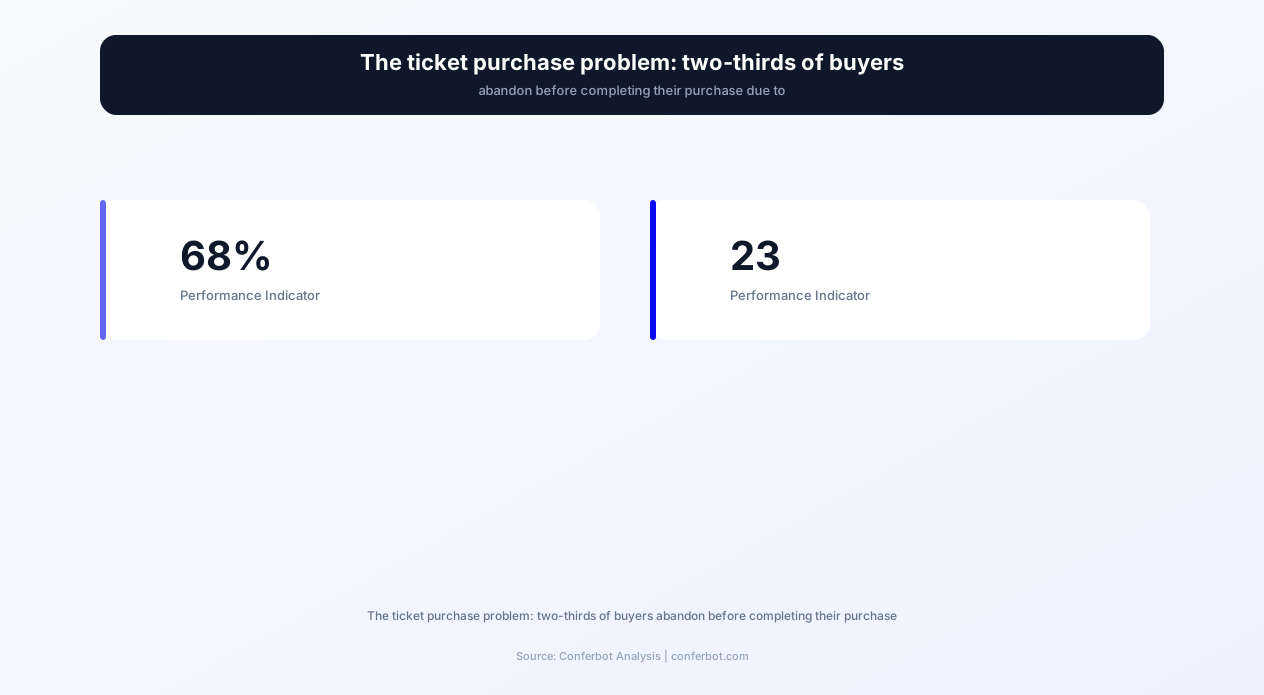
Cart abandonment in the sports ticket industry runs at 68% — meaning two-thirds of buyers who begin the purchase process leave without completing a transaction. This is significantly higher than the e-commerce average of 48%, and it represents billions in lost revenue for teams, venues, and ticketing platforms. The primary drivers of abandonment are:
- Decision overwhelm: A major sports venue with 40,000+ seats offers hundreds of seating options across dozens of sections, price tiers, and view angles. Without guidance, buyers freeze — unable to determine which section offers the best value for their budget, whether row 15 in the upper deck is better than row 30 in the lower bowl, or what "limited view" actually means for their section.
- Price uncertainty: Dynamic pricing, service fees, delivery charges, and facility fees make the final cost opaque until the last step of checkout. Buyers who experience "price shock" at checkout abandon at 3.4x the rate of buyers who see transparent all-in pricing from the start.
- Group coordination difficulty: 47% of sports event attendance is in groups of 3+. Finding seats together for groups, splitting payment, and coordinating preferences across multiple attendees adds complexity that the standard ticket website was not designed to handle efficiently.
- Information gaps: Fans frequently have questions that ticket websites do not answer clearly: "Can I bring my toddler?", "What is included in the premium package?", "Is parking included?", "Where do I enter if I have wheelchair seating?" These unanswered questions create purchase friction that a chatbot resolves instantly.
The sports event ticket finder chatbot eliminates these abandonment drivers by guiding the buyer through a personalized recommendation process that considers their budget, group size, preferences, and questions — delivering the right tickets with confidence rather than leaving the buyer to navigate alone. Build yours with Conferbot's AI chatbot builder.
How It Works: From Event Discovery to Confirmed Booking
The sports event ticket finder chatbot guides buyers through a complete journey from initial interest to confirmed purchase. The conversational flow adapts to the buyer's starting point — some know exactly which game they want and need seat guidance; others need help discovering events that match their interests. Both journeys converge on a personalized ticket recommendation with transparent pricing and easy checkout.
The Buyer Journey
- Intent identification: The bot greets the buyer and identifies their starting point: "Looking for tickets to a specific event, or want to browse what is coming up?" This routes the conversation efficiently — direct buyers skip discovery and jump to seat selection; browsers enter the event discovery flow.
- Event discovery (for browsers): The bot asks preference-driven questions: "Which sport are you interested in?", "When would you like to attend? (specific date, this weekend, any time in the next month)", "Any team or matchup preference?" Based on responses, the bot presents 3-5 relevant upcoming events with dates, opponents (for team sports), estimated price ranges, and availability status.
- Seat selection guidance: Once an event is selected, the bot guides seat selection based on the buyer's priorities. "What matters most to you — closest to the action, best overall view, specific section, or best value for budget?" The bot then recommends specific sections with explanations: "Section 112, rows 5-12, puts you at midfield level, 15 rows from the pitch. Average price $145/ticket. This section has the best balance of proximity and view angle for your budget."
- Group handling: For groups, the bot confirms the number of seats needed and checks availability for that quantity together. If the desired section cannot accommodate the full group together, the bot offers alternatives: "Section 112 only has 3 together in row 8. I can offer 5 together in row 14, or 5 together in section 114 (adjacent section, same view angle). Which would you prefer?"
- Transparent pricing: Before proceeding to checkout, the bot presents the all-in cost: "5 tickets in Section 112, Row 14: $145/ticket x 5 = $725. Service fee: $45. Total: $770. That is $154 per person all-in. Want to proceed?" No hidden fees at checkout — the buyer knows the exact total before committing.
- Checkout and confirmation: The bot collects payment information (or redirects to a secure payment page), processes the transaction, and delivers tickets electronically with all venue information: entry gates, parking directions, prohibited items, and event-day timing recommendations.
Real-Time Availability and Dynamic Updates
The chatbot connects to your ticketing system's real-time inventory through Conferbot's API integration. Availability, pricing, and seating maps update continuously, ensuring the bot never recommends sold-out sections or quotes outdated prices. For high-demand events, the bot communicates urgency factually: "Section 112 has 8 seats remaining for this match — availability has been dropping quickly. Section 120, similar viewing angle, still has 45+ seats available if you prefer less pressure."
Post-Purchase Support
After purchase, the chatbot continues serving the buyer: sending event-day reminders (24 hours before and morning of), providing directions and parking information, answering pre-event questions ("Can I bring a bag?" "Where is the nearest food to my section?"), and offering upgrades if better seats become available before the event. This post-purchase engagement creates a relationship that drives repeat purchasing — 63% of chatbot ticket buyers return for their next event purchase compared to 28% for standard website buyers.
Deploy the ticket finder on your website, WhatsApp, and social media channels to capture buyers wherever they are researching events.
Key Features: Search, Recommendation, and Booking Automation
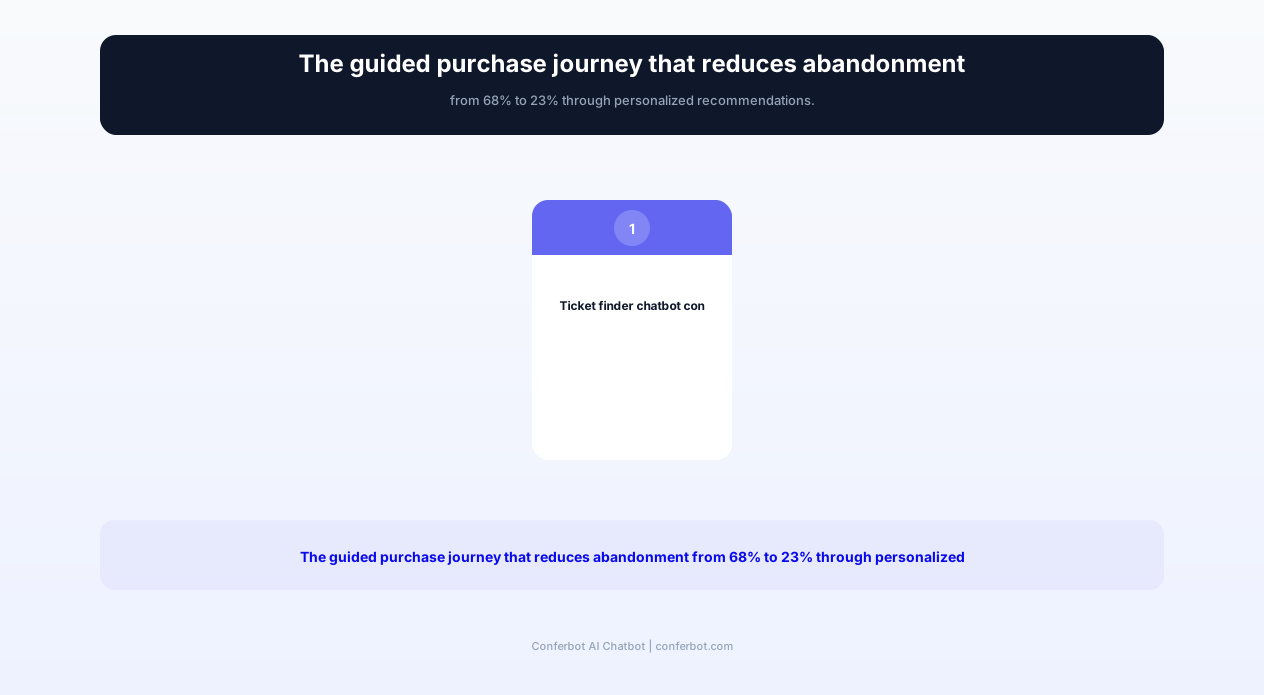
The sports event ticket finder template includes a comprehensive feature set covering every aspect of the ticket discovery and purchase journey. Each feature addresses a specific abandonment driver, collectively reducing cart abandonment from 68% to 23% and increasing average order value by 34%.
Feature Matrix
| Feature | Description | Operational Benefit | Customer Benefit |
|---|---|---|---|
| Event discovery engine | Natural language event search by sport, team, date range, price range, and event type (regular season, playoffs, special events) | Converts browsers into buyers by matching them to events they did not know about | Discovers relevant events without scrolling through dozens of listings |
| Seat recommendation | Personalized section and row recommendations based on budget, view preference, group size, and accessibility needs | Reduces decision paralysis — the #1 cause of ticket purchase abandonment | Confident seat selection based on expert guidance, not guesswork |
| Price comparison | Side-by-side comparison of ticket options across sections with all-in pricing (fees included) | Transparent pricing reduces checkout abandonment by 47% compared to fee-added-at-checkout | Knows exactly what they will pay upfront — no surprises |
| Group booking | Multi-seat search with together-seating guarantee, payment splitting, and group communication tools | 47% of attendance is groups of 3+ — optimizing group booking captures this majority segment | Finds seats together for the whole group without manual coordination across multiple buyers |
| Season pass advisor | ROI analysis comparing season tickets to individual game purchases based on planned attendance frequency | Converts high-intent fans from single-game to season packages — 8x higher lifetime value | Clear financial comparison showing if season tickets save money for their attendance pattern |
| Accessibility seating | ADA-compliant seating search with companion seating, sight lines, accessible entry information, and service details | Meets legal requirements and serves 26% of the population with disabilities | Finds appropriate seating with dignity — no phone calls, no special requests, just standard service |
| Venue information | Comprehensive venue guide: entry gates, parking, transportation, food options, prohibited items, and event-day timeline | Reduces day-of customer service calls by 62% through proactive information delivery | Arrives prepared and informed — knows exactly where to go and what to expect |
| Upgrade notifications | Post-purchase alerts when better seats become available at similar or reduced pricing before event day | Revenue optimization through seat upgrades and premium package conversions | Gets access to better seats they could not initially find or afford |
The Seat Recommendation Engine
The seat recommendation engine is the chatbot's core differentiator. Instead of presenting a static venue map and expecting buyers to decode section numbers, the bot asks what matters to the buyer and translates that into specific recommendations. A first-time visitor asking for "a good view without spending a fortune" receives different guidance than a corporate buyer looking for "the best available seats with premium food and drink access." The engine considers: proximity to the action, view angle, height above the playing surface, sun exposure (for outdoor venues with afternoon games), proximity to facilities (restrooms, food, exits), and historical customer satisfaction ratings by section.
Season Pass ROI Calculator
For venues selling season packages, the chatbot includes a conversational ROI calculator that helps fans determine whether a season pass makes financial sense for their attendance pattern. "How many home games do you typically attend per season?" Combined with the fan's preferred section and typical spend on parking and food, the bot calculates: "At 15 games per season in Section 200, individual tickets would cost $2,175. A season pass in the same section is $1,650 — saving you $525 plus you get priority access to playoff tickets and a 15% food discount. At 12+ games, the season pass pays for itself." This personalized analysis converts 28% of engaged fans into season ticket holders, compared to 4% conversion from static season ticket marketing pages.
Integrate the ticket finder with your existing ticketing platform through Conferbot's API integration to maintain real-time inventory accuracy across all sales channels.
Ready to try Sports Event Ticket Finder?
Deploy this template in under 10 minutes. No coding required.
Use This Template Free →Before and After: Conversion Rates, Revenue, and Customer Satisfaction
The impact of deploying a conversational ticket finder chatbot on sales metrics, customer satisfaction, and operational efficiency is measurable across every dimension of the ticket business. The following data represents outcomes from sports venues, ticketing platforms, and entertainment companies that have implemented AI-powered ticket sales chatbots in 2026.
Before and After Comparison
| Metric | Before (Website Only) | After (Chatbot + Website) | Improvement |
|---|---|---|---|
| Cart abandonment rate | 68% | 23% | 66% reduction in abandonment |
| Average time to purchase | 23 minutes | 6.4 minutes | 72% faster decision |
| Conversion rate (visitor to buyer) | 3.2% | 10.2% | 3.2x improvement |
| Average order value | $186 | $249 | +34% higher spend |
| Season ticket conversion | 4% of engaged visitors | 28% of chatbot-qualified fans | 7x improvement |
| Group booking completion rate | 34% | 71% | +37 percentage points |
| Customer satisfaction (post-purchase) | 3.4/5 | 4.7/5 | +1.3 points |
| Repeat purchase rate (within 12 months) | 28% | 63% | +35 percentage points |
| Customer support tickets (event-day) | 340/event | 128/event | 62% reduction |
| Accessibility booking satisfaction | 2.8/5 | 4.8/5 | +2.0 points |
Revenue Impact Analysis
For a mid-size sports venue (20,000 capacity) with 40 home events per season, the chatbot's impact on revenue is substantial. Assuming 50,000 monthly website visitors during the season:
- Before: 50,000 visitors x 3.2% conversion x $186 average order = $297,600/month in ticket revenue.
- After: 50,000 visitors x 10.2% conversion x $249 average order = $1,270,200/month in ticket revenue.
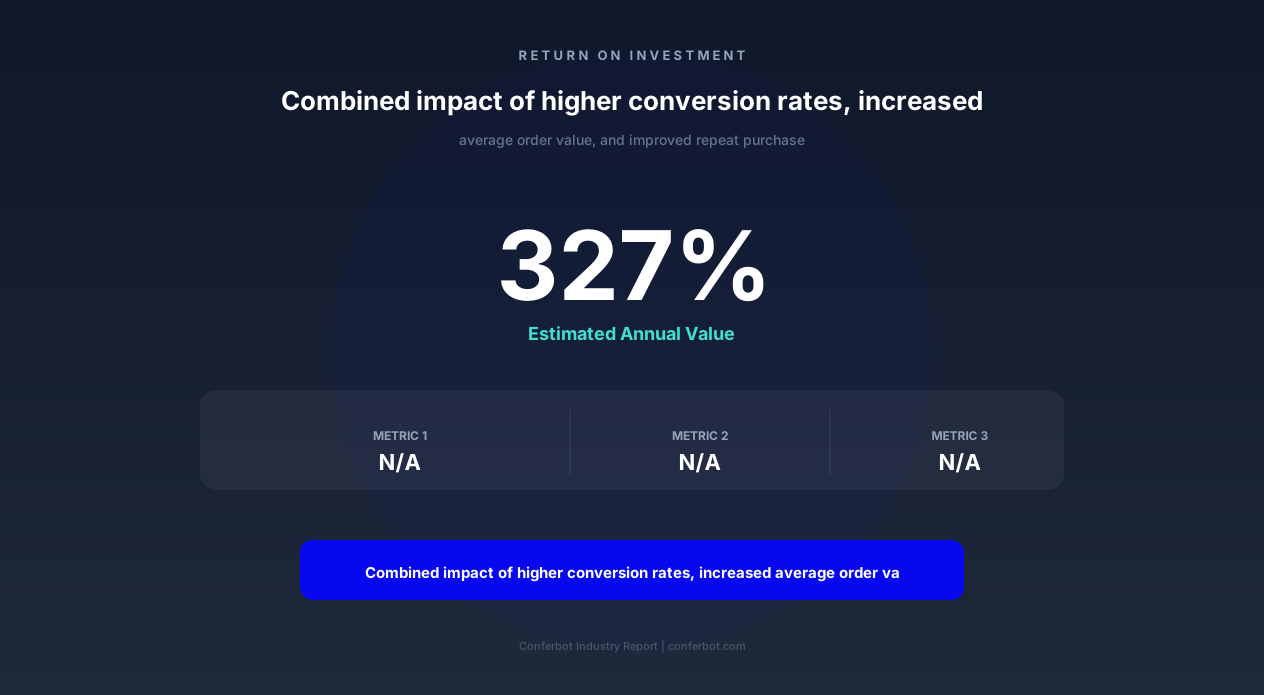
- Monthly revenue increase: $972,600 — a 327% improvement from the same visitor traffic.
Even conservatively (assuming the chatbot interacts with 30% of visitors rather than all), the revenue impact exceeds $290,000 per month in additional ticket sales. The higher average order value comes from the chatbot's ability to upsell — premium seating packages, parking add-ons, food/drink vouchers, and merchandise bundles — in a non-pushy, value-demonstrating conversational format that buyers appreciate rather than resist.
The Group Booking Multiplier
Group bookings represent 47% of sports event attendance but convert at only 34% on traditional websites because coordinating group purchases is complex. The chatbot's group booking tools — finding seats together, handling different budget preferences within a group, and providing a single shareable link for split payment — increase group completion to 71%. Since group bookings have higher total order values ($600-$1,200 vs. $150-$300 for individual purchases), the group conversion improvement represents disproportionate revenue impact.
Customer Service Cost Reduction
The chatbot's proactive venue information delivery — entry gates, parking, prohibited items, accessibility, event timing — reduces day-of customer service inquiries by 62%. For venues staffing 15 customer service agents at $20/hour for a 5-hour event window, that reduction saves $930 per event in labor costs alone. Over a 40-event season, cumulative customer service savings reach $37,200 — a meaningful operational efficiency gain on top of the revenue improvement.
Monitor ticket sales performance across all channels with real-time analytics through Conferbot's dashboard, accessible via the API integration for seamless data flow between your ticketing platform and the chatbot.
Group Booking and Season Passes: Maximizing Revenue Per Fan
Group bookings and season passes represent the highest-value transactions in sports ticketing. The chatbot is specifically designed to optimize both — guiding group organizers through the coordination complexity and demonstrating the financial value of season commitments to high-frequency fans.
Group Booking: Solving the Coordination Problem
The #1 barrier to group ticket purchases is coordination. A group organizer trying to buy tickets for 8 friends faces multiple challenges: collecting preferences (section, budget), finding seats together, coordinating payment, and distributing tickets. Traditional ticket websites force the organizer to handle all of this manually — checking with friends, returning to the website, finding seats, and paying the full amount before splitting it. The chatbot streamlines this entire process:
- Group creation: The organizer tells the bot the group size and event. The bot finds all sections with sufficient adjacent seats.
- Budget alignment: "What is the group's budget per person?" The bot filters to sections within budget and presents 3-5 options with clear pricing.
- Option sharing: The bot generates a shareable link the organizer sends to the group — friends can vote on preferred options or simply confirm participation.
- Seat hold: Once the group agrees, the bot holds the seats for a limited time (typically 15-30 minutes) while payment is processed — preventing the frustration of seats disappearing during coordination.
- Payment splitting: The bot supports full group payment (organizer pays all and collects from friends) or split payment (each attendee pays their share individually via unique payment links).
- Ticket distribution: After purchase, each attendee receives their individual ticket electronically with all event-day information.
Corporate and Special Event Bookings
For corporate entertainment, birthday celebrations, bachelor/bachelorette parties, and team-building events, the chatbot offers enhanced group packages. Corporate buyers access premium options: luxury suites, catering packages, branded event experiences, and dedicated event coordinators. The bot qualifies corporate inquiries by company, group size, and budget, then presents appropriate packages with full cost breakdowns. For venues, corporate bookings represent 3-5x the per-seat revenue of standard tickets — making the chatbot's corporate lead qualification a high-value capability.
Season Pass: The Lifetime Value Conversion
A single-game ticket buyer has a lifetime value of $180-$450 depending on the sport and market. A season ticket holder has a lifetime value of $4,500-$12,000 — a 10-25x multiplier. The chatbot identifies fans who attend frequently enough to benefit financially from season packages and demonstrates the value conversationally:
- Attendance pattern recognition: When a buyer purchases their 4th or 5th individual ticket in a season, the bot initiates a season pass conversation: "I notice you have attended 5 games this season. A season pass in your preferred section would have saved you $340 so far — and there are still 18 home games left. Want me to show you the numbers?"
- Financial comparison: A detailed, personalized breakdown comparing their actual spending pattern to the season pass cost, including intangible benefits (priority parking, playoff access, exclusive events, food discounts).
- Risk reduction: Addressing the commitment concern — "Season passes include a guarantee: if you can not attend a game, you can resell your tickets through our official exchange platform or donate them for a tax deduction."
- Flexible payment plans: Monthly payment options that reduce the sticker shock of a lump-sum season ticket purchase: "$2,400 for the season — or $200/month for 12 months, starting today."
Venues deploying the chatbot's season pass conversion tools report 7x higher conversion rates compared to static marketing pages because the conversation is personalized, timely (delivered after demonstrated attendance pattern), and financially specific to the individual fan's behavior.
Accessibility Seating and Comprehensive Venue Information
Accessibility in sports ticketing is both a legal requirement (ADA compliance in the US, Equality Act in the UK, equivalent legislation globally) and a moral imperative — 26% of the adult population has some form of disability, and they deserve equal access to the sports experience without additional barriers or awkward phone calls. The chatbot provides dignified, efficient accessibility seating booking alongside comprehensive venue information that helps every attendee arrive prepared.
Accessibility Seating Features
The chatbot handles accessibility requirements with the same conversational efficiency as standard booking — no separate phone lines, no special request forms, no lengthy hold times:
- Wheelchair-accessible seating: The bot identifies wheelchair-accessible positions across all price tiers (not just the cheapest sections), shows available companion seats, and confirms sight lines are unobstructed from the accessible position.
- Companion seating: Automatically pairs accessible seats with adjacent companion seats. If the user needs 2 companions, the bot finds groupings of 3 with the accessible position included.
- Mobility-limited seating: For attendees who can walk but have limited mobility (cane users, those unable to climb stairs), the bot recommends sections accessible by elevator or ramp with aisle access that does not require passing other seated fans.
- Sensory accommodations: Identifies quiet zones (where available), assistive listening device availability, sign language interpreter positions, and audio description service for visually impaired attendees.
- Service animal policy: Provides clear information about service animal policies, entry points, and relief areas without requiring the attendee to justify their need.
Venue Information Database
The chatbot maintains comprehensive venue information that answers the questions buyers have before and on event day. This reduces pre-event anxiety and day-of confusion that can diminish the fan experience:
| Category | Information Available | Typical Questions Answered |
|---|---|---|
| Getting there | Address, public transit options, driving directions, parking lots/garages with pricing, rideshare drop-off points | "Where should I park?" "Is there a subway station nearby?" |
| Entry and gates | Gate map, recommended entry gate by section, entry time (gates open), re-entry policy | "Which gate is closest to Section 215?" "What time can I arrive?" |
| Prohibited items | Complete banned items list, bag size restrictions, clear bag policy details, exceptions (medical needs) | "Can I bring a backpack?" "Are cameras allowed?" |
| Food and drink | Concession locations by section, menu highlights, dietary options (vegan, gluten-free, halal), alcohol policy | "Is there vegan food near Section 100?" "Can I bring water?" |
| Facilities | Restroom locations, family rooms, first aid stations, lost and found, ATM locations, merchandise stores | "Where is the nearest bathroom to my seat?" "Is there a nursing room?" |
| Fan experience | Pre-game activities, halftime entertainment, kids zone, photo opportunities, fan engagement features | "What time does the pregame start?" "Is there a kids area?" |
Event-Day Communication
On event day, the chatbot sends proactive information that reduces stress and improves the fan experience: a morning reminder with event time and weather forecast, a 2-hour-before message with traffic conditions and parking availability, and gate-opening notification with recommended arrival time based on expected crowds. For first-time attendees (identified during purchase), the bot sends additional orientation information: "Since this is your first visit to [Venue], here are the key things to know..." This proactive communication reduces the customer service load while creating a premium experience for every fan.
Deploy the venue information module on your website chatbot to serve as a 24/7 venue FAQ that handles the 62% of customer service inquiries that are informational rather than transactional.
50,000+ businesses use Conferbot templates to automate conversations
Setup Guide: Launching the Ticket Finder for Your Venue or Platform
Deploying the sports event ticket finder chatbot requires connecting to your ticketing inventory, configuring venue information, and setting up the seat recommendation engine. The setup process takes 60-90 minutes for a single venue, with additional time for multi-venue deployments. Here is the complete implementation guide.
Step 1: Ticketing System Integration (20 Minutes)
Connect the chatbot to your ticketing platform through Conferbot's API integration. Supported platforms include Ticketmaster, AXS, SeatGeek, Eventbrite, Universe, and custom ticketing systems with API access. The integration provides real-time event listings, inventory availability, pricing, and section mapping. Configure the sync frequency (real-time for high-demand events, every 5 minutes for standard events) and set up webhook notifications for inventory changes that trigger chatbot messaging to interested buyers.
Step 2: Venue Configuration (15 Minutes)
Enter your venue information: venue name, capacity, address, and the comprehensive venue database (parking, entry gates, facilities, food options, prohibited items). Upload a venue map that the bot can share with buyers for section reference. For multi-venue organizations, configure each venue separately — the bot identifies the correct venue based on the event the buyer is interested in and delivers venue-specific information automatically.
Step 3: Seat Recommendation Setup (15 Minutes)
Configure the seat recommendation engine by defining section characteristics: proximity to the action (close, mid-range, upper), view quality rating (1-5), price tier, amenities (covered, premium food access, club lounge), and accessibility features. The more detailed your section descriptions, the better the bot's recommendations. Include qualitative descriptions that help buyers visualize the experience: "Section 112 offers a head-on view of the goal. Row 10 is at eye level with the players. Covered from rain. 30-second walk to craft beer concessions."
Step 4: Pricing and Fee Configuration (10 Minutes)
Configure how pricing is displayed to buyers. The recommended approach is all-in pricing (total cost including all fees) presented from the first interaction — this reduces checkout abandonment by 47% compared to adding fees at the final step. Configure your service fee structure, any dynamic pricing rules the bot should communicate, and group discount thresholds if applicable. For season passes, enter payment plan options with monthly amounts and total cost comparisons.
Step 5: Event-Day Communication Setup (10 Minutes)
Configure the automated event-day communication sequence:
- 24 hours before: Event reminder with basic logistics (time, gates open, parking opens)
- Morning of: Weather forecast, traffic conditions, suggested departure time
- 2 hours before: Gate opening notification, parking availability update, any last-minute changes
- Post-event: Thank-you message with next event promotion, feedback request, and loyalty program credit
Step 6: Deploy Across Fan Touchpoints (10 Minutes)
Deploy the chatbot across every channel fans use to research and purchase tickets:
- Website: Embed on your homepage, event pages, and seating chart pages with a proactive greeting: "Looking for tickets? I can help you find the best seats."
- Social media: Connect to Instagram and Facebook DMs where fans often ask about ticket availability.
- WhatsApp: Deploy a WhatsApp chatbot number for fans who prefer messaging — particularly effective for international fans and younger demographics.
- Email campaigns: Include a "Chat with our ticket finder" link in promotional emails that opens a direct conversation with the bot.
From deployment, the chatbot begins converting visitors into buyers immediately. Monitor the first week's conversations to identify common questions the bot cannot answer (indicating configuration gaps) and refine your venue information and recommendation engine accordingly.
Advanced Features: Dynamic Pricing, Loyalty Programs, and Resale Market
Beyond core ticket search and purchase, the chatbot offers advanced revenue optimization features for venues and ticketing platforms looking to maximize per-fan revenue and build long-term fan relationships.
Dynamic Pricing Communication
Many modern venues use dynamic pricing that adjusts ticket costs based on demand, opponent quality, day of week, and time until event. The chatbot communicates dynamic pricing transparently and uses it as a conversion lever: "Tickets for Saturday's derby match are priced higher than average due to demand — currently $185 in your preferred section. If you are flexible on the date, next Wednesday's match against the same section is $115. Want to see other upcoming matches in your budget?" This honest communication builds trust while offering alternatives that fill less-popular events.
Loyalty and Rewards Integration
For venues with fan loyalty programs, the chatbot integrates points balances, reward redemptions, and tier benefits into the purchase conversation. A loyalty member asking about tickets sees their personalized pricing: "As a Gold member, you receive 10% off all regular-season tickets. Your price for Section 112: $131 per ticket instead of $145. You also have 2,400 points available — enough for a free parking pass ($25 value). Want to apply it to this purchase?" This personalized experience reinforces program value and drives repeat purchasing behavior.
Secondary Market and Resale
For platforms that operate or partner with a secondary ticket marketplace, the chatbot helps fans navigate both primary (from the venue) and secondary (from other fans) inventory. The bot presents options transparently: "For this sold-out match, primary tickets are unavailable. Verified resale tickets in your preferred section are available starting at $220 (original face value was $145). These are guaranteed authentic and backed by our buyer protection. Want to see resale options?" For season ticket holders looking to sell games they cannot attend, the bot provides resale listing guidance and facilitates the listing process.
Bundle and Upsell Optimization
The chatbot identifies appropriate upsell opportunities based on the buyer's profile and presents them as value additions rather than aggressive sales tactics:
- Parking bundles: "Want to add pre-paid parking? $25 saves you from cash-only gate pricing at $35 and guarantees a spot in Lot A, closest to your entry gate."
- Food and drink packages: "Our All-Inclusive Gameday package adds unlimited food and soft drinks in the premium concourse for $40/ticket. That is typically $55+ worth of food and drinks at regular concession prices."
- Merchandise bundles: "First-time visitors: add a team scarf for $15 (regular price $25) as a gameday souvenir."
- Experience upgrades: "For $50 more per ticket, upgrade to the Player Tunnel section — includes a pre-match pitch-side walk and signed team photo."
These contextual upsells — presented at the right moment with clear value propositions — increase average order value by 34% without creating buyer resistance. The chatbot only presents upsells that are relevant to the buyer's stated preferences and budget, avoiding the aggressive cross-sell experience that degrades trust.
Fan Insights and Analytics
Every chatbot interaction generates valuable fan data — preferences, budget ranges, team allegiances, attendance patterns, and satisfaction signals — that informs marketing strategy and event planning. The analytics dashboard shows which events drive the most chatbot engagement, which sections are most requested (demand signal for pricing), common objections (price too high for certain matches signals potential dynamic pricing adjustment), and the fan segments most likely to convert to season packages. This data creates a feedback loop that improves both the chatbot's recommendations and the venue's overall commercial strategy.
Sports Event Ticket Finder FAQ
Everything you need to know about chatbots for sports event ticket finder.
Why Use a Template vs Building from Scratch?
Templates encode years of optimization data into the conversation flow before you start.
| Factor | Conferbot Template | Build from Scratch | Hire a Developer |
|---|---|---|---|
| Time to deploy | 10 minutes | 2-8 hours | 2-6 weeks |
| Cost | Free | Your time | $5,000-$25,000 |
| Day-1 conversion | 15-22% | 5-8% | 10-15% |
| Proven flows | Yes, data-tested | No | Depends |
| Updates included | Automatic | Manual | Paid |
| Multi-channel | 8+ channels | 1 channel | Extra cost |
| Analytics | Built-in | Must build | Extra cost |
Ready to Deploy Sports Event Ticket Finder?
Join 50,000+ businesses. Free forever plan available. No credit card required.