
WordPress Website Chatbot
Free Technology Chatbot Template
WordPress troubleshooting and support bot with guided solutions



What Is a WordPress Website Chatbot?
A WordPress website chatbot is an AI-powered conversational assistant that integrates directly into any WordPress site to engage visitors, capture leads, answer questions, and provide customer support -- transforming a static website into an interactive experience that converts more visitors into customers. Unlike traditional WordPress contact forms that require visitors to submit information and wait for a response, a chatbot engages in real-time dialogue, qualifying visitors instantly and providing immediate value.
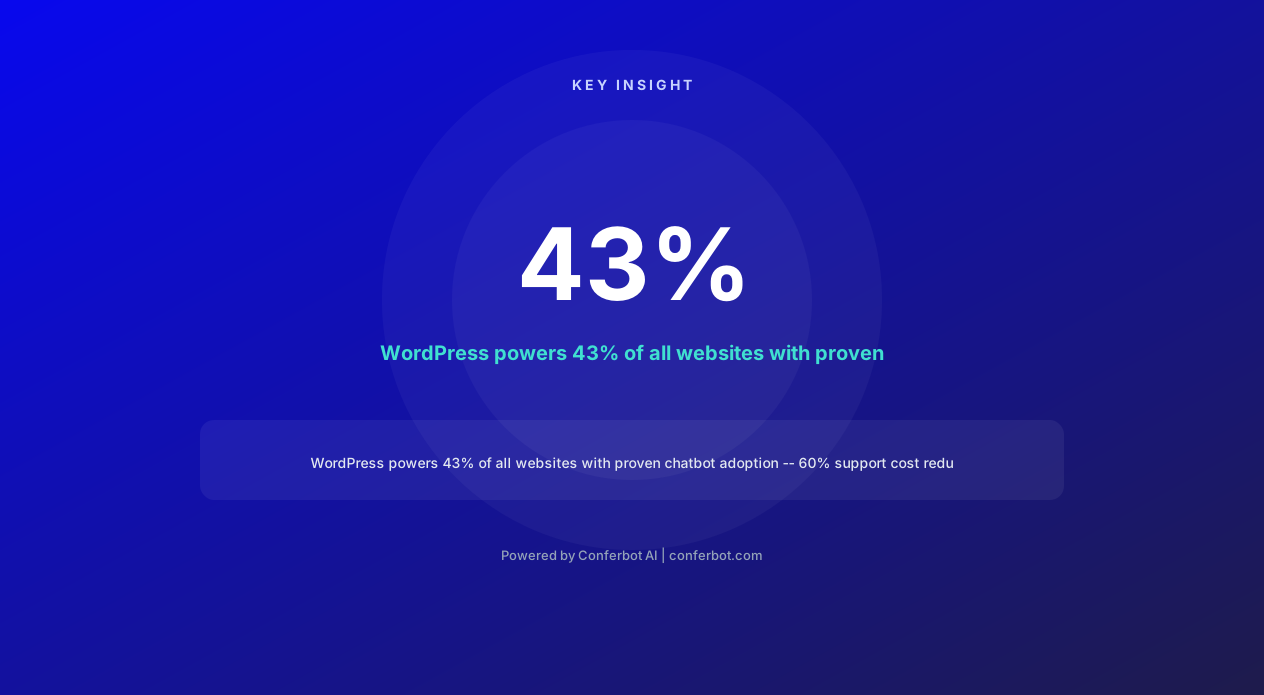
WordPress powers 43% of all websites on the internet in 2026 -- over 835 million sites spanning every industry from small business blogs to enterprise e-commerce stores. Despite this massive market, the majority of WordPress sites still rely on passive visitor experiences: static pages, contact forms with 24-48 hour response times, and FAQ pages that require visitors to search for answers. A chatbot bridges this gap by providing the interactive, instant engagement that modern visitors expect.
The demand for WordPress chatbot solutions is proven: WoowBot, one of the leading WordPress chatbot plugins, has accumulated over 100,000+ active installations. Yet most WordPress chatbot plugins offer limited functionality -- decision-tree bots with pre-programmed paths that break when visitors ask unexpected questions. Conferbot's WordPress chatbot template delivers true AI-powered conversation: natural language understanding, context memory across sessions, dynamic responses based on page content, and seamless integration with WordPress's ecosystem of plugins (WooCommerce, Contact Form 7, Elementor, WPForms).
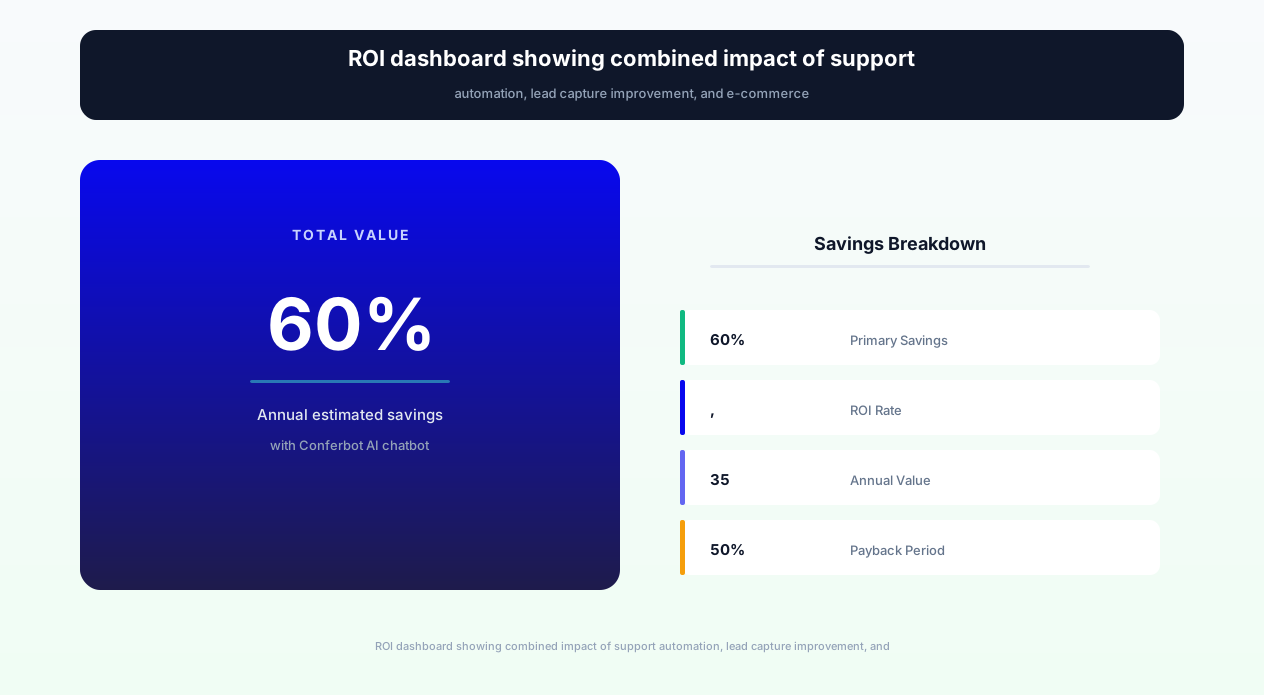
The business impact for WordPress site owners is immediate: 60% reduction in support costs by automating repetitive queries, 35-50% more leads captured through conversational engagement versus static forms, and 24/7 availability that captures after-hours visitors who represent 40-60% of total traffic. For WooCommerce stores specifically, the chatbot handles product questions, order tracking, and cart recovery -- driving measurable revenue without additional staff.
Conferbot integrates with WordPress through a lightweight JavaScript snippet or dedicated WordPress plugin -- no coding required, compatible with every theme and page builder (Elementor, Divi, Beaver Builder, Gutenberg). The chatbot accesses your site's content through API integration, automatically learning from your pages, posts, products, and FAQs to answer visitor questions accurately from day one.
How a WordPress Chatbot Works: Integration & Intelligence
The WordPress chatbot operates through three layers: the frontend widget (what visitors see), the AI engine (what processes conversations), and the WordPress integration layer (what connects to your site's data and plugins). Understanding each layer helps you appreciate both the simplicity of deployment and the depth of capability.
Frontend Widget Integration
The chatbot appears as a floating widget on your WordPress site -- customizable in position (bottom-right, bottom-left, or inline embed), appearance (colors, avatar, sizing), and behavior (auto-open on specific pages, proactive greeting timing, mobile responsiveness). Integration methods:
- WordPress plugin: Install from your WordPress admin panel (Plugins → Add New → Upload), configure through a settings page. Zero code.
- JavaScript snippet: Paste a single script tag into your theme's header (via Appearance → Theme Editor, or header plugin like Insert Headers and Footers). Works with any theme.
- Page builder widget: Embed as an Elementor widget, Divi module, or Gutenberg block for specific page placement.
The widget loads asynchronously -- meaning it never slows down your page load speed (critical for WordPress SEO and Core Web Vitals). It adds less than 50KB to initial page load and renders after the main content is interactive.
AI Knowledge Base Construction
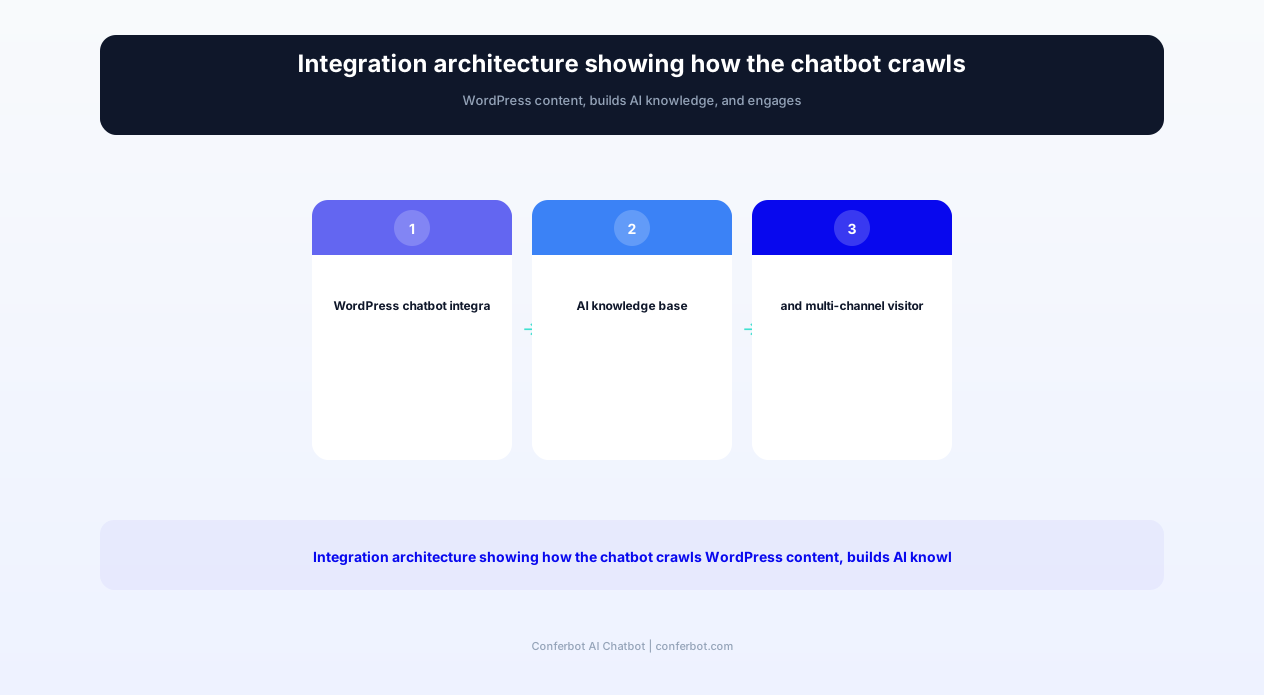
The chatbot builds its knowledge base from your WordPress content automatically:
- Pages & Posts: Crawls all published pages and blog posts, extracting information to answer visitor questions about your services, products, company, and expertise.
- WooCommerce products: Ingests product titles, descriptions, pricing, categories, attributes, and stock status for product-related queries.
- Custom post types: Supports any custom post type (testimonials, team members, case studies, FAQs) registered in your WordPress installation.
- FAQ pages: Specifically parses FAQ-structured content for question-and-answer matching.
- Meta data: Business hours, contact information, location data from SEO plugins (Yoast, Rank Math) or schema markup.
The knowledge base updates automatically when you publish new content -- no manual retraining required. When you add a new service page or product, the chatbot can answer questions about it within minutes.
Conversation Intelligence
Unlike basic WordPress chatbot plugins that match keywords to pre-written responses, Conferbot's AI engine understands natural language. A visitor asking "Do you deliver to Oregon?" and another asking "What states do you ship to?" both get accurate shipping information even though the phrasing is entirely different. The engine handles:
- Intent classification: Understanding what the visitor wants (information, support, purchase, booking)
- Entity extraction: Identifying specific details (product names, locations, dates, quantities)
- Context memory: Remembering previous messages in the conversation for coherent multi-turn dialogue
- Fallback intelligence: When it can't answer with confidence, it escalates gracefully rather than providing inaccurate information
WordPress Plugin Ecosystem Integration
The chatbot integrates with your existing WordPress plugins through hooks and API connections:
- WooCommerce: Product search, cart management, order tracking, checkout assistance
- Contact Form 7 / WPForms / Gravity Forms: Replaces or augments forms with conversational equivalents
- Booking plugins (Amelia, Bookly): Appointment scheduling directly from chat via calendar integration
- Membership plugins (MemberPress, LearnDash): Member support and course information
- CRM plugins (HubSpot, WP-CRM): Lead data synchronization
Complete Feature Matrix: WordPress Chatbot Capabilities
This template provides comprehensive visitor engagement capabilities for any WordPress site -- from simple business websites to complex WooCommerce stores and membership platforms. Each feature is designed to work within WordPress's ecosystem without conflicts.
| Feature | Description | Operational Benefit | Customer Benefit |
|---|---|---|---|
| Intelligent Visitor Greeting | Context-aware welcome messages based on landing page, traffic source, time of day, and return visitor status | Increases engagement rate by 40-60% versus generic greetings, captures more conversations | Relevant, helpful greeting that acknowledges their specific interest rather than generic pop-up |
| Lead Capture & Qualification | Conversational lead forms that collect name, email, phone, company, and needs through natural dialogue | 35-50% higher completion rates than static forms, pre-qualified leads with conversation context | Share information naturally in conversation rather than filling out impersonal multi-field forms |
| FAQ Automation | AI-powered answers to common questions sourced from your WordPress content, FAQ pages, and custom knowledge base | Deflects 60-80% of repetitive support queries, available 24/7 without staff intervention | Instant answers without searching through pages or waiting for email responses |
| Contact Form Replacement | Conversational alternative to Contact Form 7/WPForms that collects the same data with higher completion and richer context | 3-5x more form completions, immediate notification, and automated follow-up sequencing | Engaging experience that feels like a conversation, not bureaucratic paperwork |
| Service Inquiry Handling | Guided discovery flow that identifies visitor needs, recommends relevant services, and captures project details | Better qualified service inquiries with scope, budget, and timeline captured before human follow-up | Explore services interactively with personalized recommendations based on stated needs |
| Blog Content Recommendations | AI-powered article suggestions based on visitor interests, reading history, and current page context | Increases pages per session by 2-3x, reduces bounce rate, improves SEO engagement signals | Discover relevant content without searching -- the chatbot surfaces what matters to them |
| WooCommerce Integration | Product search, inventory checking, cart assistance, order tracking, and return initiation for WooCommerce stores | Reduces support tickets by 70%, increases conversion through instant product answers | Find products, check availability, and track orders without navigating complex store pages |
| Appointment Scheduling | Calendar-integrated booking that connects to Amelia, Bookly, or Google Calendar for real-time slot availability | Captures bookings from chat conversations, reduces phone-based scheduling by 50%+ | Book appointments instantly within the conversation without navigating to separate booking pages |
| Multi-Language Support | Auto-detect visitor language and respond in 40+ languages, compatible with WPML and Polylang multilingual sites | Serve international visitors without multilingual staff, expand addressable market | Communicate in native language regardless of site's primary language |
| Live Agent Handoff | Seamless escalation to human agents via Conferbot dashboard with full conversation context and suggested responses | Complex queries reach humans with complete context, reducing resolution time by 40% | Smooth transition to a real person when needed, never repeating previously shared information |
Every feature operates within WordPress's standard architecture -- no custom server configurations, no database modifications, and full compatibility with popular caching plugins (WP Rocket, W3 Total Cache, LiteSpeed) and CDN services (Cloudflare, Sucuri). The chatbot widget is designed to be performance-neutral, passing all Core Web Vitals benchmarks.
Ready to try WordPress Website Chatbot?
Deploy this template in under 10 minutes. No coding required.
Use This Template Free →Before vs. After: WordPress Site Performance Transformation
WordPress site owners across industries -- service businesses, e-commerce stores, content publishers, and agencies -- see measurable improvements after deploying a chatbot. These metrics represent aggregated data from WordPress sites that transitioned from traditional contact methods to conversational AI.
| Metric | Before (Traditional WordPress) | After (Chatbot Active) | Improvement |
|---|---|---|---|
| Contact form completion rate | 3-5% of visitors complete forms | 12-18% engage with chatbot | +260% more interactions |
| Lead quality (qualified leads) | 30% of form fills are qualified | 55% of chatbot leads are qualified | +83% quality improvement |
| Average response time | 8-24 hours (email reply) | Under 3 seconds | 99.9% faster |
| Support cost per query | $8-15 per email/phone interaction | $0.10-0.30 per chatbot resolution | -97% cost reduction |
| Bounce rate (service pages) | 62% average bounce rate | 44% with proactive chatbot | -29% reduction |
| Pages per session | 2.1 pages average | 4.3 pages (chatbot-engaged visitors) | +105% increase |
| After-hours lead capture | Contact form only (3% submit) | Full chatbot engagement (15% convert) | +400% after-hours leads |
| WooCommerce conversion rate | 1.8% store average | 2.9% with chatbot assistance | +61% increase |
| Support ticket volume | 40-80 tickets/day | 15-30 tickets/day | -60% reduction |
| Time to first meaningful interaction | Visitor must navigate, search, or fill form | Chatbot proactively engages within 10 seconds | Immediate engagement |
The 60% support cost reduction is the most commonly cited benefit by WordPress site owners. For a service business handling 50 support queries per day at $10 average cost per interaction, automating 60% of those queries saves $300/day -- over $9,000/month in support costs. Against a chatbot investment of $50-200/month, the ROI is immediate and substantial.
For WooCommerce stores, the conversion rate improvement from 1.8% to 2.9% represents a 61% increase in orders. For a store with 10,000 monthly visitors and $75 average order value, that's approximately $8,250 in additional monthly revenue -- generated by a chatbot that handles product questions, provides size guidance, and resolves pre-purchase concerns that would otherwise cause abandonment.
Use Cases by WordPress Site Type
Different WordPress site types leverage the chatbot for distinct purposes based on their primary goals -- lead generation, e-commerce sales, content engagement, or customer support. Here are the key deployment patterns.
Service Business Websites (Agencies, Consultants, Contractors)
Service businesses need to convert website visitors into qualified inquiries. The chatbot replaces the generic "Contact Us" form with a guided service inquiry flow: "What type of service are you looking for?" → "Tell me about your project scope" → "What's your timeline?" → "What budget range are you working with?" This conversational qualification captures detailed project briefs rather than just name-and-email, enabling the business to respond with relevant proposals rather than generic follow-ups. Agencies report 3x more qualified inquiries from chatbot versus forms, with better project information for accurate quoting.
WooCommerce E-commerce Stores
WooCommerce stores use the chatbot as a virtual sales associate. It handles: product search ("Do you have blue sneakers in size 10?"), product recommendations based on described needs, pre-purchase questions (shipping times, return policies, material details), cart assistance (discount code application, checkout issues), and post-purchase support (order tracking, return initiation). A WooCommerce store selling furniture reported that chatbot-assisted visitors had a 47% higher average order value because the bot helped them find complementary items and resolved size/dimension concerns that would otherwise block purchase.
Blog & Content Sites
Content publishers use the chatbot to increase engagement, reduce bounce rate, and drive email subscriptions. The bot recommends articles based on reading history ("Since you enjoyed our guide on WordPress security, you might also like our article on WordPress speed optimization"), captures email subscriptions through content upgrades ("Want the checklist version of this guide? I can send it to your email"), and answers questions about content topics for extended engagement. Content sites report 2-3x more pages per session for chatbot-engaged visitors.
Membership & Online Course Sites
WordPress membership sites (MemberPress, LearnDash, WooCommerce Memberships) use the chatbot for pre-sale course inquiries, membership comparison, student support, and technical troubleshooting. The bot explains course content, answers "Is this right for me?" questions, handles billing inquiries, and provides technical support for accessing content. For course creators, the chatbot pre-sells course features and handles common objections ("How much time does it take?" "Is there a refund policy?" "What's included?"), converting browsers into enrollees at 25-40% higher rates than sales pages alone.
Local Business Websites
Local businesses (restaurants, salons, dental offices, law firms) use the chatbot for appointment booking, business hours/location information, service pricing, and FAQ handling. A dental office deployed a WordPress chatbot that handles: "Do you accept my insurance?" (checks against a list), "What's the cost of teeth whitening?" (provides price ranges), and "Can I book an appointment?" (connects to scheduling system). The practice reported 40% fewer phone calls for routine information while actually booking more appointments through the chat.
Portfolio & Agency Sites
Creative agencies and freelancers use the chatbot to qualify potential clients before the first call. The bot determines project type, budget range, timeline, and creative direction, then routes qualified inquiries to the right team member or schedules a discovery call via calendar integration. This pre-qualification eliminates time spent on initial calls with mismatched prospects (wrong budget, unrealistic timeline, outside service scope) -- a problem that typically wastes 30-40% of a creative professional's sales time.
Non-Profit & Community Sites
Non-profit organizations use WordPress chatbots for donor engagement, volunteer recruitment, program information, and event registration. The bot answers: "How can I volunteer?" (collects availability and interests), "Where does my donation go?" (provides impact transparency), and "What programs serve my area?" (location-based program matching). Non-profits report 28% more volunteer sign-ups and 15% higher online donation rates when chatbots proactively engage visitors with impact stories and giving opportunities.
Implementation Guide: Add a Chatbot to WordPress in 15 Minutes
Adding a chatbot to your WordPress site with Conferbot is designed to be fast and non-technical. Most sites go live in under 15 minutes for basic deployment, with advanced configuration adding 2-4 hours for full optimization.
Step 1: Install the Integration (5 Minutes)
Choose your preferred integration method:
- Option A - WordPress Plugin (Recommended): Go to Plugins → Add New → Upload Plugin. Upload the Conferbot WordPress plugin. Activate it. Enter your Conferbot API key in Settings → Conferbot. Done.
- Option B - JavaScript Snippet: Copy the embed code from your Conferbot dashboard. Paste it into Appearance → Theme Editor → header.php (before </head>), or use any header insertion plugin (Insert Headers and Footers, WPCode). Done.
- Option C - Page Builder: Add a Custom HTML widget/module in Elementor, Divi, or Gutenberg and paste the embed code for page-specific placement.
Step 2: Content Crawl & Knowledge Base (Automatic, 5-10 Minutes)
Once connected, the chatbot automatically crawls your WordPress site's published content -- pages, posts, products, FAQ entries, and custom post types. This creates the AI knowledge base that powers question-answering. The initial crawl takes 5-10 minutes depending on site size. You can monitor progress in the Conferbot dashboard and manually add any information not captured by the crawl (business policies, pricing not on the website, seasonal information).
Step 3: Widget Customization (5 Minutes)
Customize the chatbot's appearance to match your WordPress theme:
- Colors: Primary color, button colors, text colors (auto-detect from theme or manual override)
- Position: Bottom-right (default), bottom-left, or inline embed within specific page sections
- Avatar: Custom avatar image or default Conferbot icon
- Welcome message: What the bot says when a visitor first arrives (configurable per page)
- Trigger behavior: Open automatically after X seconds, open on scroll depth, or wait for visitor click
Step 4: Lead Capture Configuration (10 Minutes)
Configure how the chatbot captures leads:
- Define what information to collect (name, email, phone, company, project details)
- Set up when to ask for contact info (after answering 2-3 questions, before scheduling, or at conversation end)
- Configure where leads go: email notification, WordPress admin panel, connected CRM (HubSpot, Mailchimp), or custom webhook
- Set up auto-responder emails for new leads
Step 5: WooCommerce Connection (15 Minutes, if applicable)
For WooCommerce stores, enable the e-commerce module:
- Activate WooCommerce product sync (automatic catalog import)
- Configure product search and recommendation behavior
- Enable order tracking (customers verify with email + order number)
- Set up cart recovery messaging (timing, discount rules)
- Configure return/exchange flow with policy compliance
Step 6: Testing & Optimization (15-30 Minutes)
Test the chatbot across your site's key pages:
- Homepage: Does the greeting make sense? Does it guide visitors effectively?
- Service/Product pages: Can it answer specific questions about what's on the page?
- Contact page: Does it capture leads more effectively than the existing form?
- FAQ page: Does it answer the same questions your FAQ covers (and more)?
- Mobile: Is the widget properly sized and positioned on mobile devices?
Step 7: Advanced Configuration (Optional, 1-2 Hours)
For power users, advanced configuration unlocks additional capabilities:
- Page-specific greeting messages (different message on pricing page vs. blog)
- Conditional display rules (show on mobile only, hide for logged-in users, show only after 3rd visit)
- Custom conversation flows for specific use cases (quote request, appointment booking)
- Integration with existing WordPress plugins (booking systems, CRMs, email marketing)
- Multi-language configuration for WPML or Polylang multilingual sites
businesses worldwide use Conferbot templates to automate conversations
WooCommerce Integration: E-commerce Chatbot Power
For WordPress sites running WooCommerce (powering over 6.5 million online stores in 2026), the chatbot transforms from a support tool into a revenue-generating sales assistant. The WooCommerce integration provides capabilities that directly compete with enterprise e-commerce chatbot solutions at a fraction of the cost.
Product Discovery & Search
Visitors can find products through natural language: "I need a birthday gift under $50 for someone who likes cooking" triggers a filtered search across your product catalog, returning relevant items with images, pricing, and quick-add buttons. This conversational search handles the nuanced queries that WooCommerce's built-in search bar cannot process -- questions about use cases, occasions, and preferences that require understanding rather than keyword matching. Stores report that chatbot-assisted product discovery leads to 35% higher add-to-cart rates than self-service browsing.
Pre-Purchase Question Handling
The chatbot answers product-specific questions using data from your WooCommerce product fields:
- Availability: "Is this in stock in red?" → checks variant-level inventory
- Specifications: "What material is this made from?" → pulls from product attributes
- Shipping: "How long will delivery take to [location]?" → references shipping zone rules
- Compatibility: "Will this case fit my iPhone 15?" → checks product tags and cross-references
- Comparisons: "What's the difference between the Pro and Standard?" → compares product attributes side-by-side
Each answered question removes a purchase barrier. Research shows that 83% of online shoppers need support at some point during their purchase journey -- and those who don't get it abandon their carts.
Cart Recovery
When the chatbot detects cart abandonment (items in cart, inactive session), it initiates a recovery flow. For logged-in users, recovery messages can be sent via WhatsApp or email if the user has opted in. For guest visitors, the on-site widget re-engages when they return. The recovery conversation asks why they left (rather than just reminding them of the cart) and addresses the specific concern -- whether that's shipping costs, sizing uncertainty, or finding a better deal.
Order Tracking & Post-Purchase Support
Post-purchase queries ("Where is my order?", "Can I change my delivery address?", "How do I return this?") represent 40-60% of e-commerce support volume. The chatbot handles all of these automatically: order status lookup with carrier tracking links, delivery date estimates, return eligibility checking with policy compliance, and return label generation for eligible returns. This automation frees your support team to handle only the complex, high-value interactions that genuinely require human judgment.
Subscription & Recurring Order Management
For stores using WooCommerce Subscriptions, the chatbot manages: subscription status inquiries, next delivery date information, plan upgrades/downgrades, payment method updates, delivery pause/skip, and address changes. Subscribers who can self-serve these actions through chat report 25% higher satisfaction and 15% lower churn than those who must contact support for every change.
Upsell & Cross-Sell
The chatbot recommends complementary products based on cart contents, purchase history, and expressed needs. Unlike WooCommerce's built-in "Related Products" widget (which uses simple category matching), the chatbot provides contextual recommendations: "I see you're getting the camping tent -- would you also like a tent footprint to protect the bottom? Most of our campers grab one." This conversational cross-selling achieves 18-28% acceptance rates versus 3-5% for passive product widgets.
Performance & SEO Impact: No Speed Penalty
WordPress site owners are rightly concerned about performance -- page speed directly impacts SEO rankings, Core Web Vitals scores, and conversion rates. Conferbot's WordPress chatbot is engineered for zero performance impact while providing positive SEO signals through improved engagement metrics.
Loading Architecture
The chatbot widget uses a performance-first loading strategy:
- Async loading: The chatbot script loads asynchronously after your page's critical content renders. It never blocks the Critical Rendering Path or delays First Contentful Paint (FCP).
- Lazy initialization: The chatbot's full functionality (AI engine, conversation UI) initializes only after the page is fully loaded and interactive. This ensures Largest Contentful Paint (LCP) and First Input Delay (FID) are unaffected.
- Minimal initial payload: Initial script size is under 50KB (gzipped), with additional resources loaded on-demand when the visitor opens the chat.
- CDN delivery: Chat widget assets are served from a global CDN (Cloudflare) with aggressive caching, ensuring fast delivery regardless of visitor location.
Core Web Vitals Compliance
The chatbot passes all Core Web Vitals benchmarks:
- LCP (Largest Contentful Paint): No impact -- chatbot loads after main content is rendered.
- FID/INP (First Input Delay / Interaction to Next Paint): No impact -- chatbot processing happens on Conferbot's servers, not in the visitor's browser thread.
- CLS (Cumulative Layout Shift): Zero layout shift -- the floating widget occupies fixed viewport space and doesn't push content around.
WordPress sites using Conferbot chatbot see no degradation in PageSpeed Insights scores. This is verified across sites using various hosting environments (shared hosting, VPS, managed WordPress hosts like WP Engine and Kinsta) and caching configurations.
Cache Compatibility
The chatbot works seamlessly with WordPress caching plugins and services:
- WP Rocket: No exclusion rules needed -- async loading is cache-friendly by design.
- W3 Total Cache: Compatible with page cache, minification, and CDN features.
- LiteSpeed Cache: Works with both page cache and object cache.
- Cloudflare: CDN and caching do not interfere with chatbot functionality.
- Managed hosting cache: Compatible with WP Engine, Kinsta, Flywheel, and SiteGround caching layers.
SEO Positive Signals
Beyond not hurting SEO, the chatbot actively improves engagement metrics that Google uses as ranking signals:
- Reduced bounce rate: Proactive chatbot engagement decreases bounce rate by 20-30%, signaling to Google that visitors find your content valuable.
- Increased dwell time: Chat-engaged visitors spend 2-3x longer on site, a strong positive user experience signal.
- More pages per session: Content recommendations through chat drive deeper site exploration.
- Lower pogo-sticking: Visitors who get answers via chatbot are less likely to return to search results (pogo-stick), signaling query satisfaction.
These engagement improvements compound over time, contributing to gradual ranking improvements for sites that deploy chatbots on high-traffic pages.
Mobile Performance
The chatbot widget is fully responsive and mobile-optimized. On mobile devices (which represent 60-70% of WordPress site traffic in 2026), the widget: displays as a minimized button (doesn't obstruct content), expands to a full-screen conversation view when tapped, uses touch-friendly button sizes and input fields, and respects mobile viewport dimensions without overflow. Mobile-specific features like tap-to-call buttons and simplified input (quick reply buttons vs. typing) improve the mobile chat experience.
WordPress Chatbot Comparison: Conferbot vs. Plugin Alternatives
The WordPress plugin ecosystem offers several chatbot options at different price points and capability levels. Understanding how Conferbot compares helps you choose the right solution for your site's needs and growth trajectory.
Common WordPress Chatbot Plugins
The WordPress chatbot market includes:
- WoowBot (100K+ installs): WooCommerce-focused chatbot with product search and basic FAQ. Limited to decision-tree flows, no true NLU. Free version is very basic; Pro starts at $49/year.
- Tidio (100K+ installs): Live chat + chatbot combination. Good basic automation with visual flow builder. Limited AI capabilities in lower tiers; conversational AI requires Business plan ($29+/month).
- ChatBot by LiveChat (30K+ installs): Visual flow builder for WordPress with template library. Decision-tree focused, limited NLU. Starts at $52/month.
- IBM Watson Assistant: Enterprise-grade NLU but complex to configure, expensive, and overkill for most WordPress sites.
- Custom ChatGPT integrations: Various plugins that connect ChatGPT to WordPress. Often hallucinate (make up answers not based on your content) and lack conversation flow structure.
Where Conferbot Differs
True AI vs. Decision Trees: Most WordPress chatbot plugins rely on pre-built decision trees -- if-this-then-that logic that breaks when visitors ask questions not in the predefined paths. Conferbot uses natural language understanding that handles unexpected questions, maintains conversation context, and responds intelligently even to queries never anticipated during setup. This is the difference between a bot that says "I don't understand, please choose from the menu" and one that actually answers the question.
Automatic Content Learning: Conferbot crawls your WordPress content automatically and builds its knowledge base from your existing pages, posts, and products. Most alternatives require manual FAQ entry -- you must anticipate every possible question and write a response. With Conferbot, if the answer exists anywhere on your website, the chatbot can find it and present it conversationally.
Multi-Channel from WordPress: While other plugins are website-only, Conferbot extends your WordPress chatbot to WhatsApp, Messenger, and Instagram with the same knowledge base and conversation flows. A visitor who starts on your website can continue the conversation on WhatsApp without repeating themselves -- a capability no WordPress-native plugin offers.
No Per-Conversation Pricing: Many chatbot solutions charge per conversation or per resolution, making costs unpredictable as traffic grows. Conferbot uses flat monthly pricing with unlimited conversations -- your cost stays the same whether you handle 100 or 10,000 conversations per month.
When to Choose Conferbot for WordPress
Conferbot is the optimal choice when your WordPress site needs:
- AI that actually understands questions beyond predefined paths
- Automatic knowledge base building from existing WordPress content
- Multi-channel deployment (website + WhatsApp + social)
- WooCommerce integration with real product intelligence
- Predictable pricing regardless of conversation volume
- Performance-neutral integration that doesn't impact Core Web Vitals
For sites that only need a basic FAQ bot with 5-10 predefined answers, a simpler plugin may suffice. But for any WordPress site serious about using conversational AI to capture leads, support customers, and drive revenue, Conferbot delivers capabilities that justify its position as a premium WordPress chatbot solution.
WordPress Website Chatbot FAQ
Everything you need to know about chatbots for wordpress website chatbot.
Why Use a Template vs Building from Scratch?
Templates give you a proven starting structure instead of a blank canvas.
| Factor | Conferbot Template | Build from Scratch | Hire a Developer |
|---|---|---|---|
| Time to deploy | 10 minutes | 2-8 hours | 2-6 weeks |
| Cost | Free | Your time | Custom dev quote |
| Proven flows | Yes, pre-built | No | Depends |
| Updates included | Automatic | Manual | Paid |
| Multi-channel | 8+ channels | 1 channel | Extra cost |
| Analytics | Built-in | Must build | Extra cost |
Learn More About Chatbots
Go deeper on how technology chatbots work and how to pick the right builder.
Ready to Deploy WordPress Website Chatbot?
Start with a free-forever plan. No credit card required.