
IT Support Query Automator
Free Technology Chatbot Template
A complete it support query automator chatbot template - deploy in minutes to automate conversations, capture leads, and provide 24/7 assistance.



What Is an IT Support Query Automator Chatbot?
An IT support query automator chatbot is an AI-powered service desk assistant that handles the high-volume, repetitive IT support requests that consume the majority of helpdesk resources. Password resets, software installation requests, VPN connectivity issues, permission changes, and basic troubleshooting - these common queries make up 65-80% of all IT tickets at most organizations, yet each one requires a skilled technician to process manually. The chatbot automates resolution of these predictable requests instantly, 24/7, freeing your IT team to focus on complex infrastructure problems, security incidents, and strategic projects that actually require human expertise.
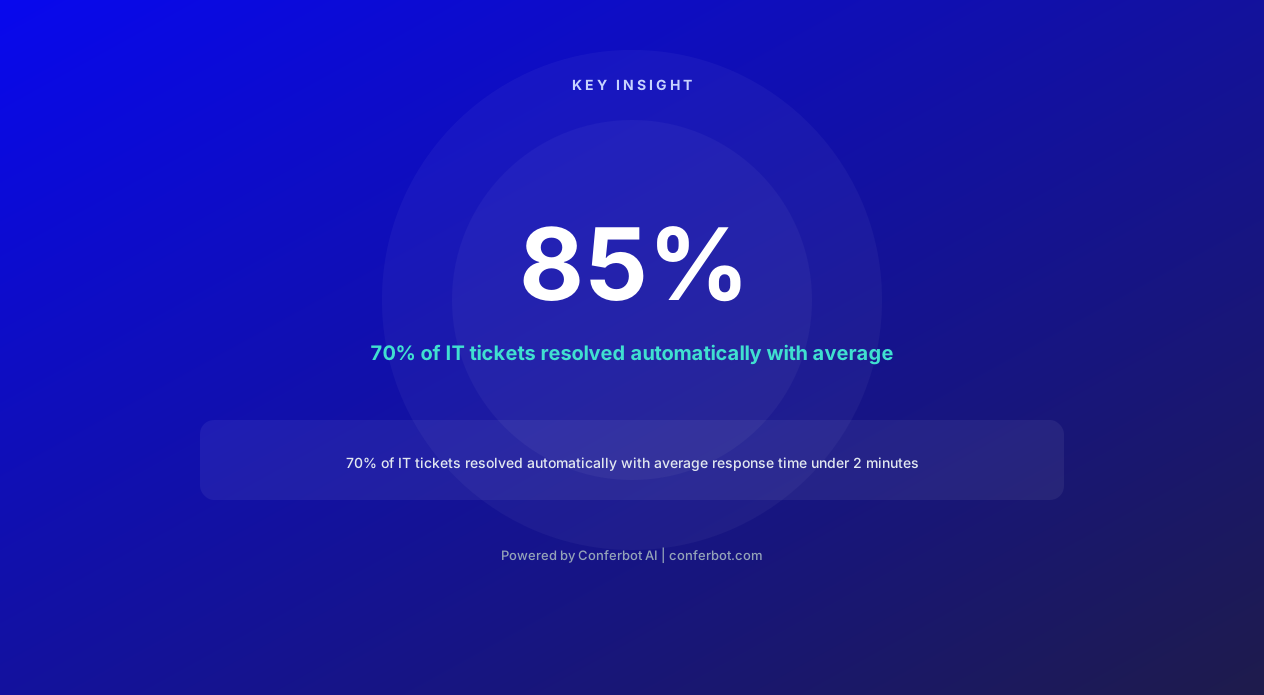
The cost of manual IT support is staggering. HDI (Help Desk Institute) research shows the average IT support ticket costs $15.56 for password resets, $22.45 for software requests, and $37.85 for access permission changes when handled by a human technician. These costs include technician time, ticket management overhead, and the requestor's lost productivity while waiting. For a 5,000-employee organization generating 200+ tickets per day, that is over $1.2 million annually spent on routine requests that could be automated.
Beyond cost, there is the productivity impact. Employees waiting for IT support lose an average of 3.5 hours per incident - not because the fix takes that long, but because the ticket sits in a queue waiting for assignment, then waiting for a technician to pick it up, then waiting for the technician to contact the employee. A password reset that takes 30 seconds to execute can have a 4-hour lifecycle in a traditional service desk. The chatbot collapses this timeline to seconds: employee requests reset, chatbot verifies identity, reset executes, employee is back to work - total elapsed time under 2 minutes.
Built on Conferbot's AI chatbot builder, the IT support automator integrates with your Active Directory, ITSM platform (ServiceNow, Jira Service Management, Freshservice), and internal systems through the API integration layer. Deploy it on your intranet, Microsoft Teams, Slack, or as a website chatbot on your IT portal - meeting employees wherever they already work rather than forcing them to navigate to a separate ticketing system.
Intelligent Ticket Creation: From Vague Complaints to Structured Requests
IT tickets submitted by non-technical employees are notoriously incomplete. "My computer is slow," "Email is not working," "I cannot access the file" - these descriptions provide almost no diagnostic information, requiring technicians to conduct multiple rounds of back-and-forth communication before even understanding the problem. This information gathering adds days to resolution times. The chatbot transforms vague complaints into structured, actionable tickets through intelligent conversational triage.
Conversational Triage Flow
When an employee reports an issue, the chatbot guides them through structured information gathering:
"My computer is slow" triggers: "I can help with that. Let me ask a few quick questions to diagnose this properly. When did this start - today, or has it been gradual over time? Is everything slow (startup, opening apps, browsing), or is it a specific application? Has anything changed recently - new software installed, Windows update, or new files downloaded?"
"Email is not working" triggers: "Let me help you figure this out. Are you using Outlook desktop, Outlook web, or mobile? What exactly happens - can you not send, not receive, or not log in? Do you see any error message? Are other internet-connected applications working normally?"
Each answer triggers the next relevant question, creating a decision-tree diagnostic that collects exactly the information a technician needs - without requiring the employee to know what information is relevant.
Auto-Resolution During Triage
Frequently, the triage process itself reveals a solution the chatbot can execute immediately. "My email is not syncing" → "Are you connected to VPN?" → "No" → "Your email requires VPN connection when working remotely. Let me help you connect - click the VPN icon in your system tray and select Connect. Let me know if that resolves the email sync." In these cases, the chatbot resolves the issue during diagnosis without ever creating a ticket - 42% of reported issues resolve this way, never reaching the human support queue.
Structured Ticket Output
When auto-resolution is not possible, the chatbot creates a ticket with complete diagnostic context:
Category: Auto-classified (hardware, software, network, access, etc.)
Priority: Auto-assessed based on business impact, number of affected users, and VIP status.
Summary: Clear one-line description: "Outlook desktop crashes on startup after Windows update KB5034441 installed yesterday."
Diagnostic details: All information gathered during triage conversation, structured for technician consumption.
Attempted resolutions: Steps the chatbot already tried (restart, clear cache, etc.), so the technician does not repeat them.
Environment: Device type, OS version, installed software versions - auto-detected where possible from asset management integration.
This structured ticket saves the technician an average of 12 minutes per ticket in information gathering - across 200 daily tickets, that is 40 hours of technician time recovered daily.
Password Reset Automation: The Highest-Volume IT Request Eliminated
Password resets are the single most common IT support request - comprising 20-50% of all helpdesk tickets across industries (Gartner, 2026). They are also the simplest to automate: verify the user's identity, execute the reset, deliver the temporary credentials securely. Yet organizations continue processing them manually because legacy self-service portals have low adoption (employees forget the portal URL, their security questions, or find the interface confusing). The chatbot brings password reset directly to where employees already are - their messaging platform, intranet, or Teams channel.
Secure Identity Verification
Before executing any password reset, the chatbot verifies identity through multi-factor authentication:
Primary verification: Employee ID number, registered email address, or manager name - information that only the legitimate user would know.
Secondary verification: One-time code sent to the employee's registered phone number or personal email. This prevents unauthorized reset requests even if someone knows the employee's basic information.
Risk-based escalation: If verification fails, if the request comes from an unusual location, or if the account has been flagged for security concerns, the chatbot escalates to a human security analyst rather than processing the reset.
Multi-System Password Management
Modern enterprises use dozens of systems, each with separate credentials. The chatbot handles resets across all integrated identity systems:
Active Directory/Azure AD: Domain password reset affecting Windows login, email, VPN, and all SSO-connected applications simultaneously.
Application-specific: Individual password resets for applications not connected to SSO - legacy systems, third-party tools, or partner portals.
Multi-factor authentication: MFA device resets (lost phone, new device, token expiration) with appropriate security verification.
Service accounts: With additional authorization (manager approval required), the chatbot can rotate service account credentials following documented procedures.
Self-Service Enablement
Beyond individual resets, the chatbot proactively reduces future password issues:
Password expiration warnings: "Your domain password expires in 3 days. Would you like to change it now? I can walk you through creating a strong password that meets our policy requirements."
Password policy education: When a new password is rejected, the chatbot explains exactly why and suggests compliant alternatives: "Your password needs at least one uppercase letter, one number, and cannot contain your username. Try something like [suggestion framework]."
Password manager setup: "I notice you have reset your password 4 times this quarter. Would you like me to help you set up our approved password manager? It remembers all your passwords so you only need to remember one master password."
Organizations that deploy automated password reset report 92% self-service adoption (compared to 30-40% for traditional self-service portals) because the chatbot meets employees where they are and guides them through the process conversationally rather than requiring them to navigate an unfamiliar interface.
Ready to try IT Support Query Automator?
Deploy this template in under 10 minutes. No coding required.
Use This Template Free →Software Installation and License Management
Software installation requests are the second-highest volume IT ticket category. An employee needs Zoom installed for a meeting in 2 hours, a contractor needs access to the project management tool, a new hire's laptop is missing standard applications - these requests are urgent from the employee's perspective but routine from IT's perspective. The chatbot automates the entire lifecycle: request intake, approval routing, license allocation, installation execution, and verification.
Software Catalog and Self-Service Installation
The chatbot maintains an approved software catalog integrated with your software distribution platform (SCCM, Intune, Jamf, or similar). Employees can browse available software through conversation: "I need software for video editing" → "We have Adobe Premiere Pro (professional), DaVinci Resolve (free), and Clipchamp (basic). Based on your role in marketing, you are pre-approved for Premiere Pro. Would you like me to install it on your machine? It will be ready in approximately 15 minutes."
Pre-approved software: Applications in the standard catalog that the employee's role and department authorize. The chatbot installs these immediately without requiring manual approval - reducing the request-to-installation time from days to minutes.
Approval-required software: Non-standard applications that need manager or budget-holder approval. The chatbot collects the business justification, routes the approval request to the appropriate person, and notifies the employee when approved: "Your request for AutoCAD has been approved by your manager. Installation will begin during your next scheduled maintenance window - tonight at 11 PM. The application will be ready when you log in tomorrow morning."
License-constrained software: When all available licenses are allocated, the chatbot manages the waitlist: "All 50 Figma licenses are currently assigned. You are #3 on the waitlist. Based on typical license turnover, expect availability within 2-3 weeks. I will notify you immediately when a license becomes available."
License Optimization
The chatbot also helps IT teams optimize software spending by identifying unused licenses: "You were assigned a Tableau license 6 months ago. Our records show you have not opened Tableau in 90 days. Would you like to keep this license, or can I release it to someone on the waitlist? You can always request it again if you need it later." This polite, non-confrontational license reclamation recovers 15-25% of enterprise software spend annually by releasing licenses from employees who no longer use the software.
Installation Troubleshooting
When installations fail - insufficient disk space, OS incompatibility, conflicting software, or insufficient permissions - the chatbot diagnoses the failure and resolves common issues automatically. "The installation failed because your disk has only 2GB free space. I can help you free up space: would you like me to clear temporary files (saves approximately 5GB) or move old downloads to your OneDrive archive?" This proactive problem-solving prevents installation failures from becoming tickets that require technician intervention.
VPN Troubleshooting: Keeping Remote Workers Connected
With hybrid and remote work now standard in 2026, VPN connectivity issues have become one of the most urgent and frustrating IT support categories. An employee unable to connect to VPN is effectively locked out of their work environment - unable to access internal systems, email servers, shared drives, or business applications. The urgency is high, and the window of acceptable wait time is short. The chatbot resolves 78% of VPN issues through guided troubleshooting, getting employees back to work in minutes rather than hours.
Common VPN Issue Resolution
The chatbot handles the most frequent VPN connectivity problems through step-by-step diagnosis and resolution:
Authentication failures: "Your VPN uses the same credentials as your Windows login. Let me verify: can you log into Office 365 at portal.office.com? If yes, your password is fine and the issue is VPN-specific. If no, your password may have expired - let me help you reset it first."
Connection drops: "Frequent disconnections are usually caused by network instability. Are you on WiFi or Ethernet? For WiFi: try moving closer to your router, switching to 5GHz band if available, or disconnecting other devices that may be consuming bandwidth. I can also help you check if your ISP is reporting outages in your area."
Split tunnel configuration: "Some websites or applications may not work while connected to VPN because they are excluded from the tunnel. If you cannot access [specific resource], try disconnecting VPN momentarily. If it works without VPN, the resource may be intentionally excluded - I can check our split tunnel policy for you."
Client software issues: "Let us try restarting your VPN client. Right-click the VPN icon in your system tray, select Quit, wait 10 seconds, then reopen it from your Start menu. If the issue persists, I can push a fresh client installation to your device remotely."
Proactive VPN Health Monitoring
The chatbot does not just react to issues - it proactively monitors VPN health and notifies employees of known problems:
Service status: "Our VPN gateway is currently experiencing elevated load due to an all-hands meeting. You may notice slower connections for the next 30 minutes. No action needed - this will resolve automatically."
Certificate expiration: "Your VPN certificate expires in 5 days. I can renew it now automatically - it takes about 30 seconds and does not require disconnecting. Would you like me to proceed?"
Client updates: "A mandatory VPN client update is required by Friday. Would you like to install it now (takes 3 minutes, requires VPN reconnection) or schedule it for tonight?"
Escalation for Complex Network Issues
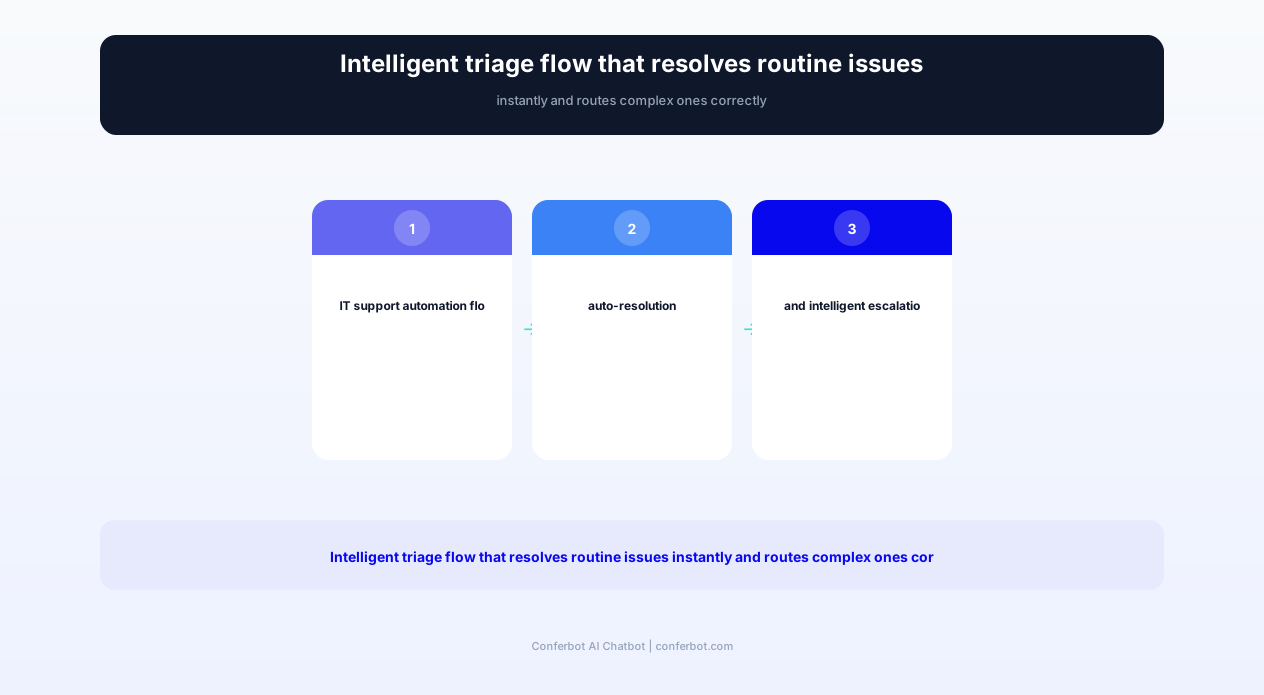
When troubleshooting steps do not resolve the issue, the chatbot escalates with full diagnostic context: network adapter status, DNS resolution results, traceroute output, VPN client logs, and the complete troubleshooting path already attempted. The network engineer receives a structured problem report rather than a vague "VPN is not working" ticket - enabling faster resolution of genuinely complex connectivity problems that require human expertise.
Permission and Access Requests: Streamlined Authorization Workflows
Access permission requests are the most process-heavy IT ticket category. They involve multiple stakeholders (requestor, data owner, manager, IT administrator), compliance considerations (least privilege, segregation of duties, audit trails), and the constant tension between security and productivity. The chatbot streamlines this process while maintaining full compliance - converting a multi-day approval chain into a same-day resolution for straightforward requests.
Access Request Intake
The chatbot guides employees through access requests with awareness of your organization's permission structure:
"What do you need access to?" - The chatbot maintains a catalog of requestable resources: shared drives, applications, distribution lists, SharePoint sites, cloud platforms, and databases. It understands which resources exist and what permission levels are available for each.
"Why do you need this access?" - Captures business justification for audit trail purposes and routes approval appropriately. "I am joining the marketing team project on Q3 campaigns" is sufficient justification for marketing shared drive access.
"What level of access do you need?" - The chatbot explains available permission levels in plain language: "Read-only means you can view documents but not change them. Edit access means you can modify existing files. Full control means you can create, modify, delete, and manage permissions for others."
Automated Approval Routing
Based on the resource type, sensitivity level, and organizational policy, the chatbot routes approvals to the correct authority:
Standard resources (low sensitivity): Manager approval only. The chatbot sends the manager a Slack/Teams message with one-click approve/deny buttons: "Sarah requested read access to the Marketing Q3 Drive for her campaign project. [Approve] [Deny] [More Info]"
Sensitive resources: Manager + data owner approval required. Both receive approval requests simultaneously, and access is granted only when both approve.
Privileged access: Manager + data owner + security team approval. The chatbot manages the sequential approval chain, notifying each approver in order and keeping the requestor informed of progress.
Pre-approved access: Some access patterns are pre-authorized by role. A new marketing hire automatically receives access to marketing tools, drives, and distribution lists without individual approval requests. The chatbot provisions this access during onboarding automatically.
Compliance and Audit Trail
Every access grant creates a compliance record: who requested, who approved, when, why, and the access expiration date (if applicable). The chatbot enforces organizational access policies automatically:
Least privilege: If an employee requests admin access when read access would suffice based on their stated justification, the chatbot suggests the lower level: "Based on your need to review documents for the audit, read-only access is sufficient. Would you like me to request read access instead of full control?"
Temporary access: For project-based requests, the chatbot sets automatic expiration: "I will grant you access for the duration of the Q3 project - through September 30. I will remind you before expiration in case you need to extend."
Access reviews: Quarterly, the chatbot reaches out to access holders: "You have had admin access to the Finance SharePoint for 6 months. Do you still need this access for your current role? If not, I can remove it to maintain our security posture."
businesses worldwide use Conferbot templates to automate conversations
Complete Feature Matrix: IT Support Automator Capabilities
The IT support query automator addresses the full spectrum of Tier 1 and Tier 2 support automation - from simple password resets to complex multi-system provisioning. Below is the comprehensive capability matrix showing every automated function and its impact on both IT operations and employee experience.
| Feature | Description | Operational Benefit | Customer Benefit |
|---|---|---|---|
| Intelligent Ticket Creation | Conversational triage that captures complete diagnostic information | 12 minutes saved per ticket in information gathering | Faster resolution from better-documented issues |
| Password Reset Automation | Multi-factor verified self-service reset across all identity systems | Eliminated 20-50% of total ticket volume | Instant reset without phone hold or ticket wait |
| Software Self-Service | Catalog browsing, approval routing, and automated installation | Eliminated software request queue entirely | New software available in minutes, not days |
| VPN Troubleshooting | Guided diagnosis resolving 78% of connectivity issues | Network team focuses on infrastructure, not user issues | Back to work in minutes, not hours |
| Access Provisioning | Streamlined approval workflows with compliance automation | Eliminated manual provisioning with full audit trail | Same-day access instead of multi-day wait |
| Knowledge Base Search | Natural language search across internal documentation | Reduced repeat tickets through self-service | Find answers instantly without searching portals |
| Escalation Routing | Intelligent routing to correct specialist team with full context | Eliminated misrouted tickets (saves 4 hours per misroute) | Right expert, first time, no ping-ponging |
| Status Tracking | Real-time ticket status with proactive updates | Eliminated "any update?" follow-up inquiries | Always know where their request stands |
| Onboarding Automation | New hire provisioning: accounts, software, access, equipment | IT onboarding time reduced from 4 hours to 30 minutes | Day-one productivity for new employees |
| Asset Management | Equipment requests, returns, repairs, and inventory tracking | Automated asset lifecycle management | Quick equipment requests without paperwork |
ITSM Integration
The chatbot integrates with your existing IT service management platform through Conferbot's API integration:
ServiceNow: Creates incidents, requests, and changes with proper categorization. Reads ticket status for self-service tracking. Triggers workflows for automated provisioning.
Jira Service Management: Creates issues in appropriate projects, applies SLA tracking, and routes to correct queues based on chatbot triage classification.
Freshservice: Integrates with asset management, ticket creation, and automated workflows for common request types.
Microsoft Endpoint Manager (Intune): Pushes software installations, applies configuration profiles, and manages device compliance directly from chatbot commands.
Active Directory/Azure AD: Executes password resets, group membership changes, and account provisioning through secure service account integration.
All integrations use least-privilege service accounts with comprehensive audit logging. The chatbot only executes actions the employee is authorized to request, and all administrative actions are logged for security review. Deploy across your organization via Microsoft Teams, Slack, or your IT portal for maximum accessibility.
Before and After: IT Service Desk Transformation
IT organizations deploying support automation chatbots see dramatic improvements in ticket resolution speed, employee satisfaction, and IT team productivity. Below are metrics from enterprises spanning 1,000 to 50,000 employees across technology, financial services, healthcare, and manufacturing sectors.
| Metric | Before (Manual Queue) | After (Chatbot-Automated) | Improvement |
|---|---|---|---|
| Average resolution time (Tier 1) | 4.2 hours | 8 minutes | -97% reduction |
| Tickets requiring human agent | 100% (all tickets) | 30% (complex only) | -70% volume reduction |
| Password reset time | 45 minutes (queue wait) | 90 seconds (self-service) | -97% reduction |
| Employee satisfaction (IT support) | 2.8/5 rating | 4.4/5 rating | +57% improvement |
| After-hours support availability | Emergency only (on-call) | Full self-service 24/7 | 16 additional hours/day |
| IT staff time on strategic projects | 25% of time | 65% of time | +160% more strategic time |
| Cost per ticket (resolved) | $22.50 average | $3.40 average (blended) | -85% cost reduction |
| New hire IT onboarding time | 4+ hours of IT staff time | 35 minutes (automated) | -85% time reduction |
Financial Impact
For a 5,000-employee organization generating 250 Tier 1 tickets daily:
Before automation: 250 tickets x $22.50/ticket x 250 working days = $1,406,250 annually for Tier 1 support alone. Plus employee productivity loss of 3.5 hours per ticket x 250 tickets/day = 875 lost hours daily (equivalent to 109 full-time employees' daily output lost to waiting for IT support).
After automation: 70% automated (175 tickets x $0.50 = $87.50/day) + 30% human (75 tickets x $22.50 = $1,687.50/day) = $443,750 annually. Employee productivity recovery: automated resolution in 8 minutes means 174 fewer lost hours daily - equivalent to recovering 21.75 full-time employees' daily output.
Annual savings: $962,500 in direct support cost reduction + millions in recovered employee productivity. Most organizations achieve full ROI on their chatbot investment within 6-8 weeks of deployment.
IT Team Transformation
Beyond cost reduction, the most significant impact is on IT team capability and morale:
Skill development: When technicians are not processing password resets and software installations all day, they can develop advanced skills - cloud architecture, security engineering, automation development - that increase both their career satisfaction and the organization's technical capability.
Retention: IT departments deploying automation report 35% lower turnover. Technicians who joined IT to solve interesting problems leave when their days are consumed by repetitive requests. Remove the repetitive work, and the interesting work becomes visible again.
Proactive IT: With 40 extra hours per day freed from reactive tickets, IT teams can invest in proactive work - infrastructure upgrades, security hardening, process automation, and user training - that reduces future ticket volume further, creating a virtuous cycle of improving service with decreasing effort.
Knowledge Base Search and Self-Service Resolution
Most organizations have extensive IT documentation - knowledge base articles, how-to guides, troubleshooting procedures, and FAQ collections. The problem is not lack of documentation but lack of findability. Employees cannot locate the relevant article among thousands because they do not know the right search terms, cannot navigate complex category hierarchies, or simply do not know the knowledge base exists. The chatbot transforms this documentation from passive repository into active assistance - understanding natural language questions and delivering the specific article paragraph that answers the employee's question.
Natural Language Search
Instead of keyword-based search that requires knowing IT terminology, the chatbot understands natural language questions:
Employee asks: "How do I connect my personal phone to work email?"
Traditional KB search for "personal phone email": Returns 47 articles, most irrelevant.
Chatbot response: Delivers the specific setup instructions for mobile email configuration on iOS and Android, tailored to the organization's email platform (Exchange, Gmail Workspace, etc.), including any MDM enrollment requirements.
The chatbot does not just link to articles - it extracts and delivers the relevant section directly within the conversation. If the article has 10 sections and only section 4 answers the question, the chatbot presents section 4 first with a link to the full article for additional context. This eliminates the frustrating experience of clicking a search result, scanning a 3-page document, and not finding the answer because it was in a different article entirely.
Contextual Documentation Delivery
The chatbot delivers documentation proactively based on context:
After resolving an issue: "Now that your VPN is connected, here is our remote work best practices guide - it covers optimal VPN settings, video conferencing tips, and how to access your office phone remotely. Want me to send it to your email for reference?"
During onboarding: "As a new marketing team member, here are the tools and guides you will need: marketing drive access guide, brand asset repository instructions, and campaign management platform tutorial. Would you like me to walk you through any of these now?"
Before recurring issues: "Heads up: daylight saving time changes this weekend. Here is our guide for updating meeting room calendars and your time zone in scheduling tools - this prevents the appointment confusion that happens every time change."
Knowledge Gap Identification
When employees ask questions the chatbot cannot answer from existing documentation, it identifies knowledge gaps. These unanswered questions are compiled into reports for the IT documentation team: "Last month, 47 employees asked about configuring the new VPN client on Linux. We have no documentation for this - here are the specific questions asked." This feedback loop ensures documentation grows based on actual employee needs rather than IT team assumptions about what employees need to know.
Intelligent Escalation Routing: Right Expert, First Time
When issues cannot be resolved automatically, the chatbot's escalation routing ensures they reach the correct specialist on the first try. Misrouted tickets - sent to the wrong team, wrong skill level, or wrong priority queue - add an average of 4 hours to resolution time per misroute and are one of the top employee frustrations with IT support. The chatbot eliminates misrouting through intelligent classification built from thousands of resolved ticket patterns.
Classification-Based Routing
The chatbot classifies issues across multiple dimensions and routes accordingly:
Technical domain: Network, endpoint, application, security, cloud, telephony, or data. Each domain routes to the specialist team with expertise in that area.
Complexity tier: Tier 2 (standard troubleshooting), Tier 3 (advanced engineering), or Tier 4 (vendor escalation). The chatbot's triage conversation reveals complexity indicators that determine the appropriate skill level.
Urgency: Critical (business-stopping), high (significant impact), medium (workaround available), or low (enhancement request). The chatbot assesses business impact through questions about how many users are affected, what business process is blocked, and whether a workaround exists.
VIP routing: Executive and critical-role employees are identified automatically and routed to dedicated support resources with accelerated SLAs. The chatbot applies VIP handling without the employee needing to claim VIP status.
Context-Rich Handoff
When escalating to a human agent, the chatbot provides a complete context package:
Conversation transcript: Everything the employee described, including exact error messages, timestamps, and environmental details.
Attempted resolutions: Every troubleshooting step already tried, preventing the agent from repeating steps the employee already performed (a common frustration that makes employees feel unheard).
Diagnostic data: System information, logs, screenshots, or error codes collected during the chatbot interaction.
Employee history: Previous related tickets, device information, software inventory, and access levels - giving the agent full context about the employee's environment.
The agent receives this context before reaching out to the employee, enabling a warm start: "Hi Sarah, I see you have been experiencing Outlook crashes since the Windows update yesterday, and the chatbot already tried clearing the cache and restarting the client without success. Let me try a different approach..." This informed, efficient interaction dramatically improves employee satisfaction with escalated support.
Escalation Analytics
The chatbot tracks escalation patterns to identify automation opportunities: "Last month, 78% of network escalations were DNS-related issues that resolved with the same flush/reconfigure procedure. Automating this procedure in the chatbot would eliminate 62 monthly escalations." These insights drive continuous improvement of the automation layer, progressively increasing the percentage of issues resolved without human intervention.
Implementation Guide: Deploying IT Support Automation
Deploying the IT support query automator requires integration with your identity management, ITSM platform, and internal systems. The most successful implementations follow a phased approach - automating the highest-volume, lowest-complexity requests first, then progressively expanding to more complex workflows. Here is the implementation framework for 2026.
Phase 1: Foundation (Weeks 1-2)
ITSM integration: Connect to ServiceNow, Jira Service Management, or Freshservice through Conferbot's API integration. Configure ticket creation templates, category mappings, and priority assignment rules.
Identity system connection: Integrate with Active Directory or Azure AD for password reset capabilities. Configure security policies: identity verification requirements, lockout thresholds, and risk-based escalation rules.
Knowledge base ingestion: Import your existing IT documentation. The chatbot indexes articles for natural language search and maps common questions to specific documentation sections.
Phase 2: Core Automation (Weeks 3-4)
Password reset automation: Deploy self-service password reset with multi-factor verification. This single automation typically reduces ticket volume by 20-30% immediately. Test thoroughly with pilot users before organization-wide rollout.
Ticket creation intelligence: Configure the conversational triage flows for your top 10 ticket categories. Train the classification engine on 6-12 months of historical ticket data to ensure accurate routing.
VPN troubleshooting: Build the VPN diagnostic flow based on your specific VPN product (GlobalProtect, Cisco AnyConnect, FortiClient, etc.) and common failure modes observed in your environment.
Phase 3: Expansion (Weeks 5-8)
Software self-service: Connect to your software distribution platform and configure the approved catalog with role-based pre-approvals and approval routing for non-standard requests.
Access provisioning: Configure permission request workflows with appropriate approval chains for each resource type. Integrate with your identity governance system for compliance automation.
Channel deployment: Roll out across Microsoft Teams, Slack, and your IT portal. Configure channel-specific behaviors - Teams users might interact differently than email users.
Phase 4: Optimization (Ongoing)
Automation expansion: Monthly, review escalation analytics to identify new automation opportunities. Each month, automate 2-3 additional resolution procedures based on volume and complexity analysis.
Employee feedback: Survey employees quarterly on chatbot effectiveness. Address pain points and conversation flows that frustrate users. Refine language to match how employees naturally describe their IT issues.
Security review: Quarterly security review of automated actions - ensure password reset procedures remain secure, access provisioning follows least-privilege principles, and escalation paths are current.
Most organizations achieve 50% ticket automation within the first month and 70% within 3 months, as the chatbot progressively handles more request types and the triage intelligence improves with each interaction.
IT Support Query Automator FAQ
Everything you need to know about chatbots for it support query automator.
Why Use a Template vs Building from Scratch?
Templates give you a proven starting structure instead of a blank canvas.
| Factor | Conferbot Template | Build from Scratch | Hire a Developer |
|---|---|---|---|
| Time to deploy | 10 minutes | 2-8 hours | 2-6 weeks |
| Cost | Free | Your time | Custom dev quote |
| Proven flows | Yes, pre-built | No | Depends |
| Updates included | Automatic | Manual | Paid |
| Multi-channel | 8+ channels | 1 channel | Extra cost |
| Analytics | Built-in | Must build | Extra cost |
Learn More About Chatbots
Go deeper on how technology chatbots work and how to pick the right builder.
Ready to Deploy IT Support Query Automator?
Start with a free-forever plan. No credit card required.