
Install Conferbot on HTML Website
Follow this step-by-step guide to add a powerful AI chatbot to your HTML Website website in minutes.
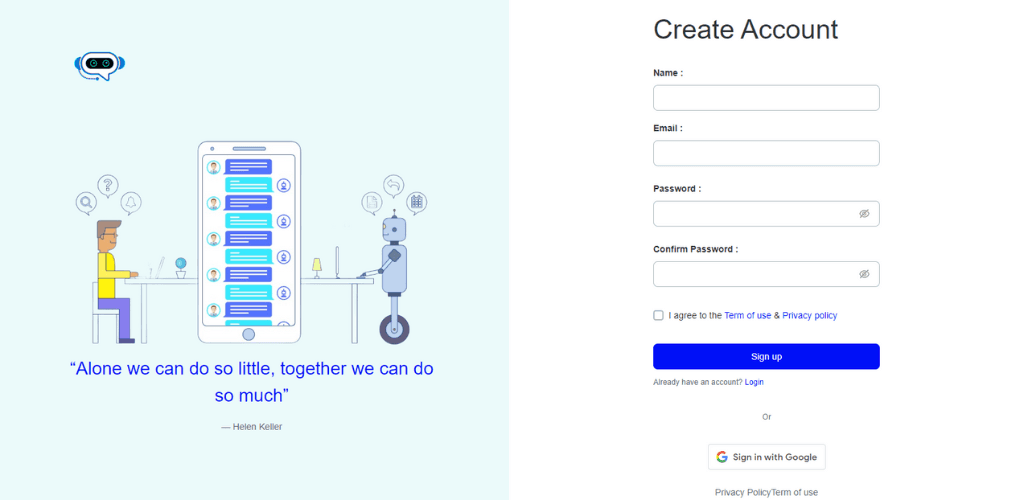
Create your Conferbot account
Sign up for a free Conferbot account if you haven't already.Create account
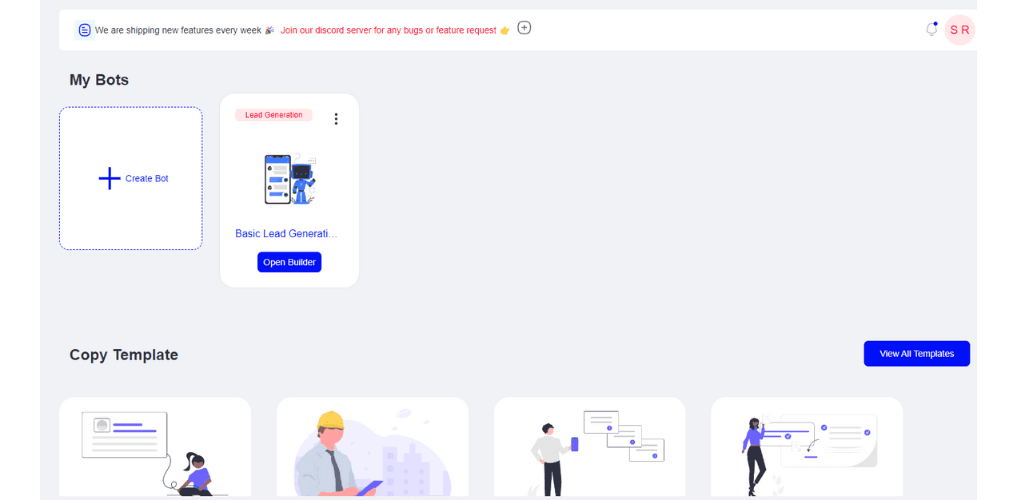
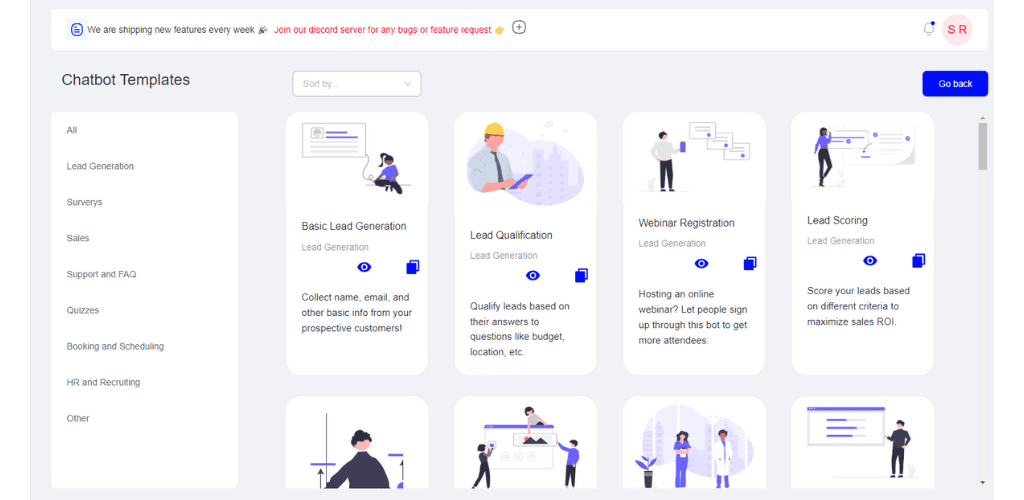
Build your chatbot
Choose from 100+ templates or build from scratch using our drag-and-drop builder.
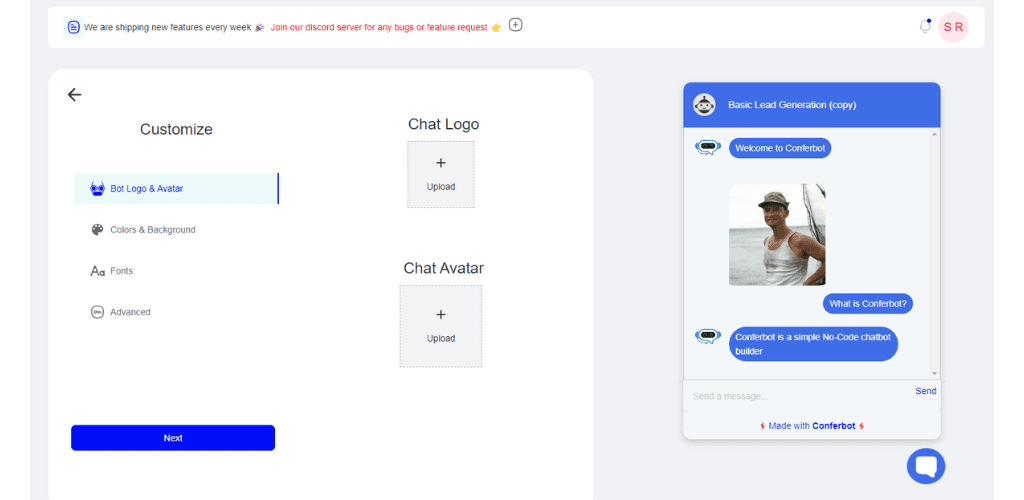
Customize your bot
Modify the conversation flow to match your business needs. Add your brand colors and personalize messages.
Configure widget settings
Go to Deploy > Widget and customize how your chatbot appears on your website.
Generate the embed code
Click 'Generate Code' to get your unique embed snippet.
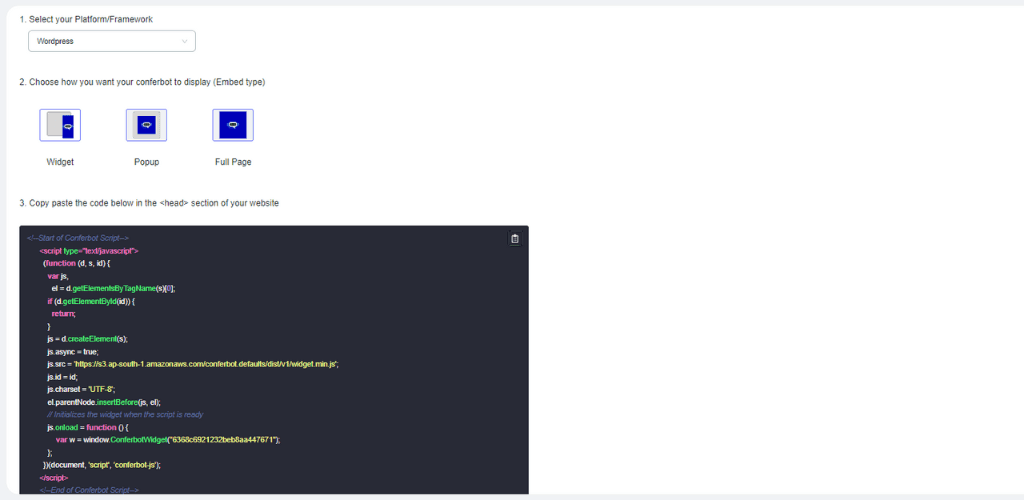
Replace YOUR_BOT_ID with your actual bot ID from the dashboard
Add to your HTML website
Install the code on your HTML website:
Open your HTML file in a code editor (e.g., VS Code, Sublime Text)
Locate the closing </body> tag at the bottom of your HTML file
Paste your Conferbot code just before the </body> tag
Save the file and upload it to your web server
You're all set!
Refresh your website and your chatbot should now be live. Start engaging with your visitors!
Other Platform Guides
Looking for a different platform? Check out our other installation guides.
Need Help with HTML Website Installation?
Our support team can help you get your chatbot running on HTML Website in no time.
Continue Exploring
Explore features, connect third-party tools, and browse ready-made templates.
Deep-dive pillar guides, real use cases, and the chatbot & AI glossary.
One Chatbot,
Every Channel
Your chatbot works seamlessly across WhatsApp, Messenger, Slack, and 6 more platforms. Build once, deploy everywhere.
View All Channels