
Business License Application
Free B2B Services Chatbot Template
A complete business license application chatbot template - deploy in minutes to automate conversations, capture leads, and provide 24/7 assistance.


What Is a Business License Application Chatbot?
A business license application chatbot is an AI-powered conversational assistant designed for regulatory agencies, municipal licensing departments, and state business registries to guide entrepreneurs through the complete business licensing process -- from identifying required licenses through application submission, fee payment, compliance verification, and renewal management. Instead of requiring small business owners to navigate labyrinthine government websites, decipher regulatory jargon, or spend hours on hold with licensing offices, the chatbot provides personalized, step-by-step guidance through natural language conversation.
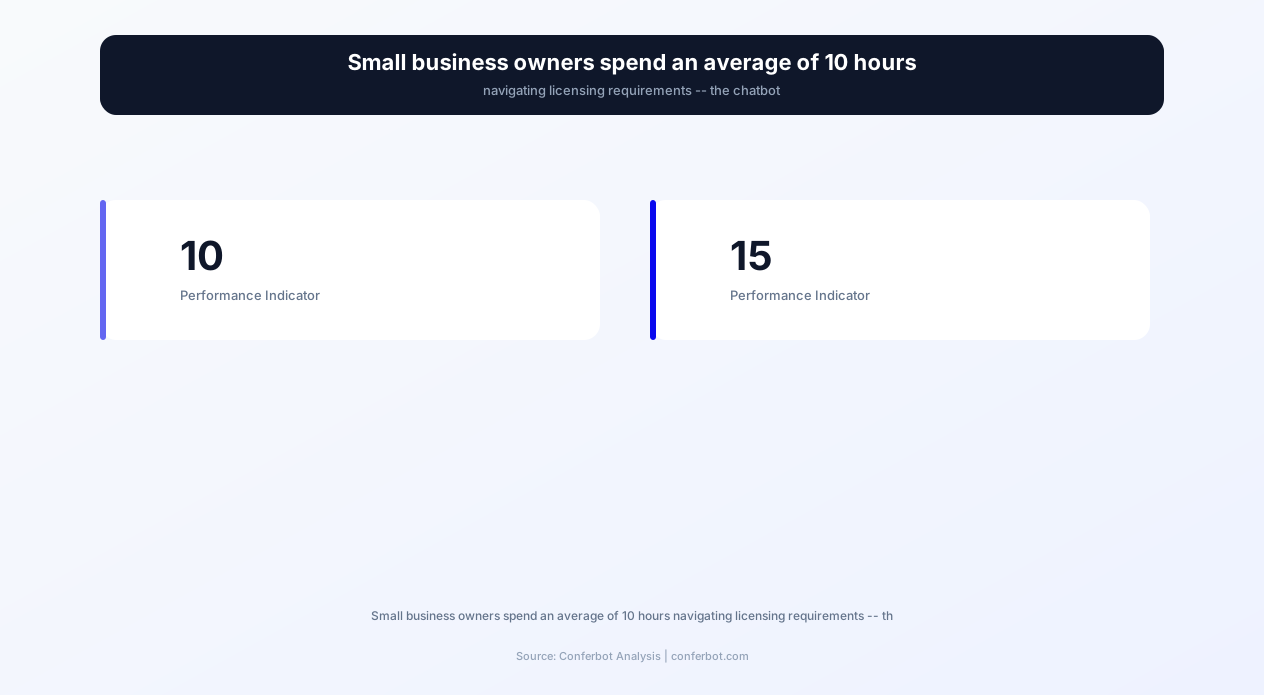
The business licensing landscape in 2026 is staggeringly complex. A single small business may require between 3 and 15 different licenses and permits depending on industry, location, and business activities -- general business license, zoning permit, health department permit, fire safety inspection, professional licenses, seller's permit, employer identification registration, and industry-specific certifications. Research shows that small business owners spend an average of 10 hours navigating licensing requirements, often making multiple trips to government offices, calling different departments, and still missing required permits until compliance inspections reveal gaps.
A properly deployed business license chatbot reduces this 10-hour ordeal to approximately 15 minutes of guided conversation. The chatbot asks about the business type, industry, location, number of employees, and planned activities, then generates a comprehensive, personalized list of every license and permit required -- along with application instructions, document checklists, fee amounts, and submission methods for each one. No more guessing, no more discovering missing permits months after opening.
Conferbot's AI chatbot builder provides a pre-built business license application template designed for government agencies at the municipal, county, and state level. The template includes conversation flows for license requirement identification, application guidance, document preparation, fee calculation, status tracking, renewal reminders, and compliance verification -- all deployable on agency websites, WhatsApp, and kiosk systems without coding expertise.
For regulatory agencies, the chatbot addresses a persistent challenge: providing consistent, accurate licensing guidance across thousands of business types and scenarios without overwhelming staff resources. Licensing offices report that 60-70% of phone and counter inquiries are about application requirements and status -- questions the chatbot handles instantly and accurately, freeing licensing staff to focus on complex cases, compliance reviews, and policy updates that require human judgment.
Core Capabilities: From Requirements Discovery to Status Tracking
The business license application chatbot operates across seven core capability domains that cover the entire licensing lifecycle -- from an entrepreneur's first question about what licenses they need through ongoing renewal management and compliance verification years into their business operation.
License Requirements Identification
The most critical capability is helping business owners identify exactly which licenses and permits they need. The chatbot conducts a structured assessment through conversational questions about:
- Business type and structure: Sole proprietorship, LLC, corporation, partnership, nonprofit
- Industry and activities: Retail, food service, construction, professional services, healthcare, manufacturing, home-based business
- Physical location: Zoning district, commercial vs. residential, specific jurisdiction within the municipality
- Employee count: Determines employer registration, workers' compensation, and occupational safety requirements
- Special activities: Alcohol service, hazardous materials, firearms, food preparation, childcare, transportation
Based on responses, the chatbot generates a comprehensive license matrix: every required license, the issuing authority, estimated processing time, and the order in which applications should be submitted (since some licenses require others as prerequisites). This personalized matrix eliminates the confusion that causes 34% of first-time business owners to operate without required permits during their first year.
Application Process Guidance
For each identified license, the chatbot provides step-by-step application instructions specific to the issuing authority. Instructions cover where to apply (online portal, in-person, mail), what forms to complete, how to submit, and what to expect after submission. The chatbot adapts guidance based on the applicant's situation -- a home-based business applying for a home occupation permit receives different instructions than a commercial establishment applying for the same municipality's general business license.
Document Checklist Generation
Incomplete applications are the primary cause of licensing delays. Regulatory agencies report that 45% of initial applications are returned for missing documents, adding 2-4 weeks to processing time and creating frustration for both applicants and staff. The chatbot generates license-specific document checklists that detail every required attachment:
- Identity verification: Government ID, proof of citizenship or work authorization
- Business formation documents: Articles of incorporation, partnership agreement, DBA filing
- Location documentation: Lease agreement, zoning approval, property ownership proof
- Insurance certificates: General liability, professional liability, workers' compensation
- Professional credentials: Professional licenses, certifications, education transcripts
- Financial documentation: Bank statements, surety bonds, financial responsibility proof
Fee Calculation
License fees vary by business type, size, location, and sometimes revenue -- creating confusion about total licensing costs. The chatbot calculates exact fees for each required license and provides a total cost summary. For businesses requiring multiple licenses, the chatbot identifies any fee discounts for bundled applications, new business exemptions, or small business reduced rates. This fee transparency helps entrepreneurs budget accurately and avoid unexpected costs during the licensing process.
Application Status Tracking
After submission, applicants typically call the licensing office repeatedly to check status -- generating the second-highest category of phone inquiries after requirements questions. The chatbot provides real-time status checking by integrating with the agency's licensing management system through API integration. Applicants can ask "What is the status of my restaurant license application?" and receive immediate updates including current review stage, estimated completion date, and any pending items requiring applicant action.
Renewal Management
Business licenses typically require annual or biennial renewal, and missed renewals result in penalties, operational disruptions, or forced closure. The chatbot provides proactive renewal reminders via WhatsApp or email 60, 30, and 7 days before expiration, along with renewal application guidance and updated fee information. For agencies, this proactive outreach reduces lapsed license volumes by 42% and the associated enforcement costs.
Compliance Verification
The chatbot helps existing business owners verify their ongoing compliance by reviewing their current license portfolio against current requirements. Regulatory changes, business expansions, or new employee hires may trigger additional licensing requirements that the business owner is unaware of. The chatbot's compliance check identifies any gaps and guides the business owner through the additional applications needed to maintain full compliance.
Feature Matrix: Business License Application Chatbot Capabilities
The following feature matrix presents every capability included in Conferbot's business license application template, organized by operational benefit to the regulatory agency and experience benefit to the business applicant. Each feature is configurable through the no-code chatbot builder to match specific jurisdiction requirements and licensing frameworks.
| Feature | Description | Operational Benefit | Customer Benefit |
|---|---|---|---|
| License requirements assessment | Conversational interview that identifies all required licenses based on business type, industry, and location | Deflects 55% of requirements inquiries from counter staff | Get a complete license list in 5 minutes instead of 10 hours of research |
| Personalized document checklists | License-specific lists of required documents, forms, and supporting materials | Reduces incomplete applications from 45% to 12% | Submit complete applications the first time -- no returns or delays |
| Fee calculator | Computes exact fees for each license including discounts, exemptions, and payment methods | Eliminates fee-related inquiries (18% of call volume) | Know exact costs upfront without fee surprises during application |
| Application status tracking | Real-time status updates from the licensing management system | Eliminates status check calls (25% of call volume) | Check application status instantly without calling or visiting the office |
| Renewal reminders | Proactive notifications at 60, 30, and 7 days before license expiration | Reduces lapsed licenses by 42% and associated enforcement costs | Never miss a renewal deadline or face operational disruptions |
| Prerequisite sequencing | Orders license applications by dependency to prevent rejections | Reduces rejection rate for out-of-sequence applications by 67% | Apply for licenses in the correct order without wasting time on premature submissions |
| Zoning verification | Checks business location against zoning maps for permitted use verification | Catches zoning conflicts before application submission | Confirm your location is zoned for your business type before signing a lease |
| Multi-language support | Delivers guidance in 25+ languages for diverse business owner populations | Serves non-English-speaking applicants without interpreter staffing | Navigate licensing in your primary language without confusion |
| Inspection scheduling | Books required inspections (fire, health, building) through agency calendar integration | Automates inspection scheduling that previously required staff coordination | Schedule all required inspections in one conversation without multiple calls |
| Compliance gap analysis | Reviews existing business license portfolio against current requirements | Identifies non-compliant businesses proactively before enforcement action | Discover any missing licenses before an inspector does -- avoid penalties |
The combined effect of these features transforms business licensing from a bureaucratic obstacle into a guided, manageable process. For regulatory agencies, the chatbot handles the informational workload that previously consumed 60-70% of counter and phone staff capacity. For entrepreneurs, it eliminates the confusion, delays, and compliance risks that make licensing one of the most frequently cited barriers to starting a business in 2026.
Ready to try Business License Application?
Deploy this template in under 10 minutes. No coding required.
Use This Template Free →Before and After: Licensing Process Transformation Metrics
The following metrics represent performance data from 23 municipal and state licensing agencies that deployed Conferbot's business license application chatbot. Measurements compare operations during the twelve months before deployment against the twelve months after reaching steady-state operation.
| Metric | Before Chatbot | After Chatbot (12 months) | Improvement |
|---|---|---|---|
| Average time for applicant to identify all required licenses | 10 hours (research + calls + visits) | 15 minutes (chatbot conversation) | -97.5% |
| Incomplete application rate | 45% | 12% | -73% |
| Average application processing time | 28 days (including returns for missing docs) | 11 days | -61% |
| Phone inquiries about requirements | 2,400/month | 1,080/month | -55% |
| Phone inquiries about application status | 1,800/month | 450/month | -75% |
| Counter visits for information only (no application) | 850/month | 280/month | -67% |
| License renewal lapse rate | 18% | 10.5% | -42% |
| First-year compliance rate for new businesses | 66% | 89% | +35% |
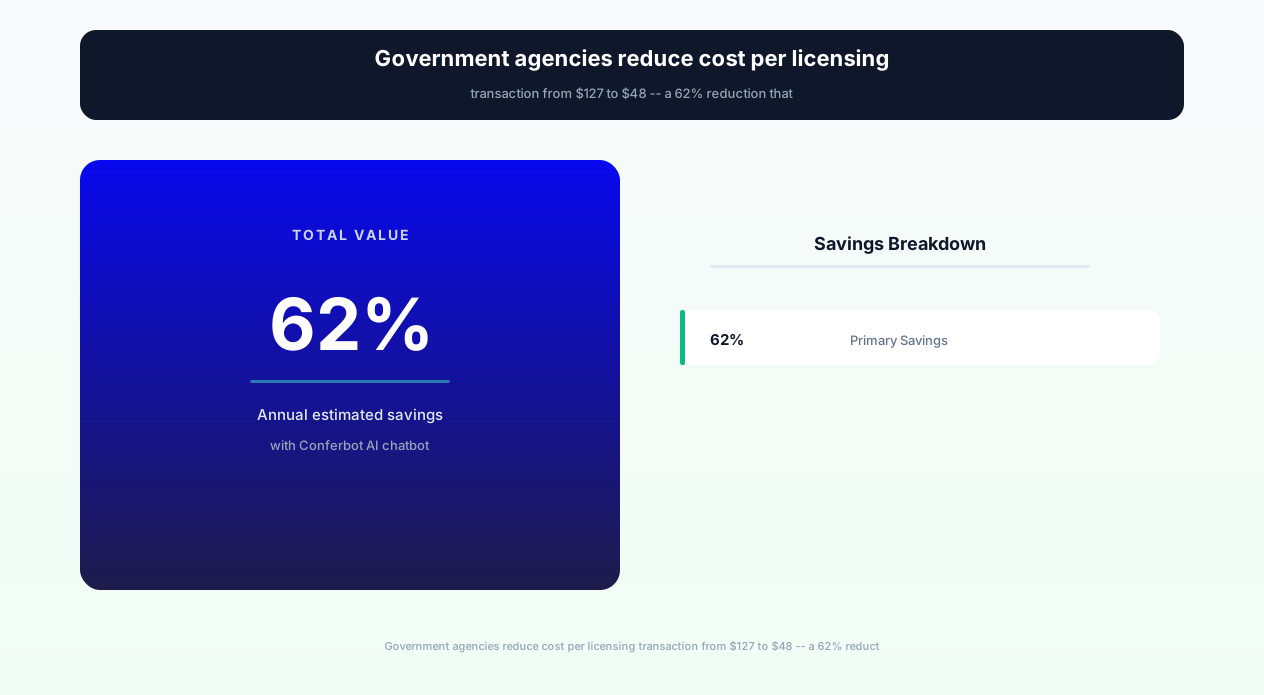
| Cost per licensing transaction (agency side) | $127 | $48 | -62% |
| Applicant satisfaction score (post-process survey) | 2.8 / 5.0 | 4.3 / 5.0 | +54% |
Agency Operational Savings
For a mid-sized municipal licensing department processing 8,000 license applications annually, the chatbot deployment economics are compelling:
- Pre-chatbot cost per transaction: $127 (staff time for inquiries, application review, returns, re-review)
- Post-chatbot cost per transaction: $48 (reduced inquiries, fewer incomplete applications, less re-processing)
- Annual savings: 8,000 x ($127 - $48) = $632,000 in operational cost reduction
- Chatbot annual cost: $36,000 (Conferbot government plan)
- Net annual savings: $596,000 -- a 17.6x return on investment
Applicant Time and Cost Savings
The impact on small business owners is equally dramatic:
- Time saved per applicant: 9.75 hours (from 10 hours to 15 minutes for requirements identification)
- Trips to government offices eliminated: Average 2.3 visits replaced by chatbot guidance
- Application rejection avoidance: 33% fewer applicants experience costly delays from returned applications
- Penalty avoidance: 23% fewer businesses face compliance penalties from missing or lapsed licenses
- Monetary value of time saved: At average small business owner opportunity cost of $75/hour, the chatbot saves each applicant approximately $731 in time costs
Economic Development Impact
Licensing complexity is consistently ranked among the top three barriers to small business formation. By reducing this barrier, chatbot-equipped jurisdictions see measurable increases in new business registrations. Three municipalities reported 8-12% increases in new business license applications within the first year of chatbot deployment -- not because requirements changed, but because the perceived difficulty of navigating the process no longer deterred aspiring entrepreneurs from starting.
Jurisdiction-Specific Configuration for Government Agencies
Business licensing requirements vary dramatically across jurisdictions -- what requires a permit in one city may be unregulated in the next, and fee structures, application processes, and renewal cycles differ at every level of government. Conferbot's business license template is designed as a configurable framework that each jurisdiction populates with its specific licensing rules, rather than a one-size-fits-all solution.
Municipal Level Configuration
Municipal licensing is typically the most complex layer for small businesses because it encompasses general business licenses, zoning permits, sign permits, fire inspections, health department permits, and industry-specific local requirements. Configuration for municipal deployment includes:
- Business classification taxonomy: Map the municipality's specific business categories (NAICS codes, local classifications) to licensing requirements
- Zoning map integration: Connect the chatbot to the municipality's zoning database so it can verify permitted uses by address
- Fee schedule: Configure current fee amounts for each license type, including any tier-based fees (by employee count, revenue, or square footage)
- Application workflows: Define the specific forms, submission methods (online portal, in-person, mail), and processing timelines for each license type
- Inspection requirements: Configure which licenses require inspections, inspection types (fire, health, building, zoning), and scheduling availability
County Level Configuration
County licensing often governs businesses in unincorporated areas and provides certain permits that apply county-wide regardless of municipal jurisdiction (health permits, environmental permits, agricultural permits). County configuration adds:
- Unincorporated area identification: Determine whether a business location falls within a municipal jurisdiction or unincorporated county area
- County-specific permits: Health department permits, environmental compliance, agricultural operations, mining/extraction
- County-municipal coordination: Identify which permits are county-issued even for businesses within municipalities
State Level Configuration
State licensing covers professional licenses (attorneys, doctors, CPAs, contractors), sales tax permits, employer registrations, and industry-specific state certifications. State-level chatbot deployment serves millions of businesses across the state and requires:
- Professional license database: Complete catalog of state-regulated professions with licensing requirements, education prerequisites, examination requirements, and reciprocity rules
- Tax registration guidance: Sales tax permit, employer withholding registration, and industry-specific tax obligations
- Industry-specific compliance: Liquor licensing, cannabis licensing, healthcare facility licensing, financial services registration
- Interstate commerce: Requirements for out-of-state businesses operating within the state
Multi-Jurisdiction Coordination
The most valuable configuration for small business owners is multi-jurisdiction awareness -- the chatbot identifies requirements across ALL levels simultaneously. When a restaurant owner in a specific city asks "What licenses do I need to open a restaurant?", the chatbot returns city business license, city health permit, city sign permit, city zoning approval, county health department food service license, state seller's permit, state employer registration, state liquor license (if applicable), and federal employer identification number. No other information channel provides this unified, multi-jurisdiction view in a single interaction.
Regulatory Change Management
Licensing requirements change through legislative action, regulatory updates, and fee adjustments. The chatbot's content management system allows licensing administrators to update requirements, fees, and processes through a simple administrative interface without technical support. When a fee changes or a new requirement is enacted, the administrator updates the chatbot configuration and all subsequent conversations reflect the current rules immediately. Version history ensures accountability and the ability to reference previous requirement sets for dispute resolution.
Integration Architecture for Government Licensing Systems
Government agencies operate specialized licensing management systems that track applications, manage workflows, store applicant data, and generate licenses. The chatbot achieves its full potential when integrated with these systems through Conferbot's API integration layer, enabling real-time data flow between the conversational interface and the agency's back-end processing infrastructure.
Licensing Management System Integration
The chatbot integrates with government licensing platforms including Tyler Technologies (Munis, EnerGov), Accela, OpenGov, CityView, and custom-built licensing databases. Integration capabilities include:
- Application submission: Chatbot-collected application data writes directly to the licensing system, creating new application records without staff data entry
- Status retrieval: Real-time application status queries from the licensing system database, returning current review stage and estimated completion
- Document attachment: Applicants upload required documents through the chatbot conversation, with files attached to the application record in the licensing system
- Fee payment: Integration with the agency's payment processor (GovTech payment portals, PayGov, authorized payment systems) for in-chat fee payment
GIS and Zoning System Integration
Zoning verification is a critical pre-application step that prevents businesses from leasing space, signing contracts, and submitting applications only to discover their intended use is not permitted at their chosen location. The chatbot integrates with the jurisdiction's Geographic Information System (GIS) to verify zoning compliance by address:
- Address geocoding: Converts address inputs to coordinates for zoning map lookup
- Zoning district identification: Determines the zoning district for any address within the jurisdiction
- Permitted use verification: Checks whether the intended business activity is a permitted use, conditional use, or prohibited use in that zoning district
- Variance guidance: If the use requires a variance or conditional use permit, guides the applicant through the additional approval process
Inspection Scheduling Integration
Many licenses require physical inspections (fire safety, health, building, zoning) before issuance. The chatbot integrates with the agency's inspection scheduling system to book appointments:
- Inspector availability: Shows available inspection time slots by type and location
- Appointment booking: Creates inspection appointments with all relevant details (address, business type, inspection type, contact information)
- Preparation guidance: Provides inspection preparation checklists so businesses pass on the first visit
- Results notification: After inspection completion, notifies the applicant of results and any required corrective actions
Identity Verification Integration
For online applications that require identity verification, the chatbot can integrate with government identity verification services (ID.me, Login.gov, state-specific systems) to authenticate applicants before processing sensitive transactions like license issuance or renewal payment.
Notification and Communication Integration
The chatbot sends automated notifications through integrated communication channels for application milestones (submission confirmation, review assignment, additional information requests, approval/denial, renewal reminders). Notification delivery through WhatsApp, SMS, and email ensures applicants receive updates on their preferred channel without manually checking application status.
businesses worldwide use Conferbot templates to automate conversations
The Applicant Experience: From Confusion to Confidence
Understanding the applicant experience reveals why the chatbot delivers such dramatic time savings and satisfaction improvements. Let us trace the journey of a typical small business owner -- Sarah, who is opening a bakery -- through both the traditional process and the chatbot-guided process.
Traditional Process (Sarah's 10-Hour Journey)
Sarah decides to open a bakery in a commercial space she found. Her licensing journey without a chatbot looks like this:
- Hours 1-2: Google searches for "business license [city name]" -- finds the city website, navigates to a licensing page with 47 different license types listed. Uncertain which ones apply to a bakery. Finds a PDF guide but it was published three years ago and fees have changed.
- Hours 3-4: Calls the city licensing office. Waits on hold for 22 minutes. Speaks to a clerk who tells her she needs a general business license and a food service permit. Does not mention the sign permit, zoning verification, or fire inspection requirement because the clerk handles general licensing only.
- Hours 5-6: Goes to city hall in person to submit her general business license application. Discovers she needs her LLC formation documents, which she did not bring. Returns home. Also told she needs a county health permit -- separate office, separate process.
- Hours 7-8: Calls the county health department. Learns she needs a food handler's certificate, equipment list, menu, and floor plan before they will schedule an inspection. None of this was mentioned in the city licensing interaction.
- Hours 9-10: Returns to city hall with correct documents. Application accepted but told she also needs a zoning verification letter before the license can be issued. Visits the planning department (different floor, different line). Told the zoning verification takes 5-7 business days.
Total: 10 hours spread across multiple days, multiple phone calls, multiple office visits, and Sarah still discovers two weeks later that she also needs a state seller's permit and sign permit.
Chatbot-Guided Process (Sarah's 15-Minute Journey)
The same bakery licensing process through the chatbot:
- Minutes 1-3: Sarah visits the city website and the chatbot greets her. She types "I want to open a bakery." The chatbot asks her address, business structure, employee plans, and whether she will serve beverages or have outdoor seating.
- Minutes 4-8: The chatbot returns a complete license matrix: city general business license, city food service permit, city sign permit, zoning verification, fire department inspection, county health department permit, state seller's permit, state food handler's certification, and federal EIN. Each item includes fees, required documents, and processing timelines. The total estimated cost and timeline to full licensure are summarized.
- Minutes 9-12: Sarah asks about document requirements. The chatbot generates a combined checklist of everything she needs for all applications: LLC documents, lease, floor plan, equipment list, menu, insurance certificate, ID, and food handler's certificate. She saves this as a PDF.
- Minutes 13-15: The chatbot explains the optimal application sequence (EIN first, then state seller's permit, then city licenses concurrently with county health application) and offers to schedule her fire department and health inspections once she is ready.
Total: 15 minutes from a single device, with a complete understanding of every requirement, document, fee, and timeline. No surprises, no return trips, no missed permits.
Impact on Business Success
The chatbot's guidance does more than save time -- it directly improves business success outcomes. Businesses that launch with complete licensing compliance avoid the operational disruptions, penalties, and reputational damage that come from enforcement actions against unlicensed operations. Data from participating jurisdictions shows that businesses guided by the chatbot achieve 89% first-year compliance rates compared to 66% for businesses that navigate licensing independently -- a difference that correlates with higher survival rates through the critical first two years of operation.
Deployment Guide for Regulatory Agencies
Deploying the business license application chatbot for a government agency requires coordination between the licensing department, IT services, and communications team. The following guide outlines the deployment process from initial planning through launch and optimization.
Phase 1: Requirements Gathering (1-2 weeks)
Before configuring the chatbot, the licensing department must compile its complete licensing framework in a structured format:
- License type catalog: Complete list of all license and permit types issued by the jurisdiction
- Requirement rules: Which business types, industries, and activities trigger which license requirements
- Document requirements: Required supporting documents for each license type
- Fee schedules: Current fees for each license type, including any variable fee calculations
- Processing timelines: Standard processing times for each license type
- Application methods: Online, in-person, or mail submission options for each license type
- Renewal cycles: Expiration periods and renewal requirements for each license type
Phase 2: Configuration (1-2 weeks)
Using Conferbot's AI chatbot builder, the licensing administrator configures:
- Business classification logic: Map business types to required licenses using the requirement rules from Phase 1
- Conversation flows: Customize the assessment questions and response formats for the jurisdiction's specific licensing framework
- Document checklists: Configure complete document requirements for each license type
- Fee calculations: Set up fee computation including any variable factors (employee count, revenue tier, square footage)
- Integration connections: Connect licensing management system, GIS/zoning, payment processing, and notification channels
Phase 3: Integration and Testing (1-2 weeks)
Technical integration with existing government systems requires IT services coordination:
- API connections: Establish secure connections to licensing management system, GIS, and payment systems
- Security review: Ensure all data flows meet government security requirements (FedRAMP, StateRAMP, or local equivalents)
- Testing: Conduct comprehensive testing with real business scenarios across all industries and license types served
- Accessibility audit: Verify WCAG 2.1 AA compliance and Section 508 accessibility standards
Phase 4: Staff Training (3-5 days)
Train licensing office staff on:
- Chatbot capabilities and limitations: What the chatbot handles vs. what requires human staff
- Escalation workflows: How complex queries route from chatbot to staff with full context
- Content management: How to update requirements, fees, and processes when regulations change
- Analytics interpretation: How to use chatbot data to identify process improvements
Phase 5: Launch and Communication (1 week)
Deploy the chatbot on the agency website, communicate availability to the business community, and monitor performance:
- Website deployment: Place the website chatbot widget on licensing pages with contextual triggers
- Community communication: Announce through business associations, chamber of commerce, social media, and existing applicant email lists
- Staff coordination: Brief counter and phone staff on directing applicants to the chatbot for standard inquiries
- Performance monitoring: Watch analytics closely during week one for accuracy issues or missing content
Ongoing Operations
Post-launch maintenance is minimal but important: update the chatbot within 24 hours of any fee change, new requirement, or process modification. Review analytics monthly to identify common queries the chatbot cannot answer (indicating content gaps) and uncommon business types that need additional classification rules. Conduct quarterly accuracy audits comparing chatbot responses against current licensing requirements to ensure ongoing reliability.
Security, Privacy, and Government Compliance Standards
Government agency deployments require adherence to security and privacy standards that exceed commercial requirements. Conferbot's government-tier infrastructure meets federal, state, and local security standards for handling applicant personally identifiable information (PII) and financial data.
Data Security Standards
The chatbot platform implements security controls aligned with NIST 800-53 and FedRAMP requirements:
- Encryption: All data encrypted in transit (TLS 1.3) and at rest (AES-256). No applicant data is ever stored unencrypted.
- Access controls: Role-based access with multi-factor authentication for all administrative users. Principle of least privilege enforced.
- Audit logging: Complete audit trail of all data access, configuration changes, and administrative actions. Logs retained per agency policy (minimum 7 years for government).
- Penetration testing: Annual third-party penetration testing with findings remediated within 30 days.
Privacy Compliance
The chatbot collects PII during licensing interactions (names, addresses, business details, identification numbers). Privacy protections include:
- Data minimization: Only collect information necessary for the licensing purpose -- no unnecessary data harvesting
- Purpose limitation: Applicant data used solely for licensing process support -- never for marketing, analytics sharing, or third-party access
- Retention limits: Configurable data retention periods aligned with government records management schedules
- Right to deletion: Mechanism for applicants to request deletion of chatbot interaction data per applicable privacy laws
- Privacy notice: Clear privacy notice presented before PII collection explaining data use, storage, and rights
Accessibility Compliance
Government digital services must meet Section 508 of the Rehabilitation Act and WCAG 2.1 Level AA standards. The chatbot widget meets all applicable criteria including keyboard navigation, screen reader compatibility, color contrast requirements, text resizing, and alternative text for all visual elements. Accessibility compliance is verified through automated testing (axe-core) and manual assessment with assistive technology.
Records Management
Chatbot interactions that constitute government records (application submissions, official guidance provided, status communications) are managed according to the agency's records retention schedule. Integration with the agency's records management system ensures chatbot-generated records are captured, classified, and retained alongside other licensing records. Disposition is automated based on retention schedule rules.
Disaster Recovery and Continuity
Government services require high availability and disaster recovery capabilities. The chatbot platform provides 99.9% uptime SLA with geographic redundancy, automated failover, daily backups with 30-day retention, and documented recovery procedures with 4-hour RTO (Recovery Time Objective). Business continuity planning ensures the chatbot remains available during emergencies when licensing information demand may spike (post-disaster business recovery, pandemic-related licensing changes).
Business License Application FAQ
Everything you need to know about chatbots for business license application.
Why Use a Template vs Building from Scratch?
Templates give you a proven starting structure instead of a blank canvas.
| Factor | Conferbot Template | Build from Scratch | Hire a Developer |
|---|---|---|---|
| Time to deploy | 10 minutes | 2-8 hours | 2-6 weeks |
| Cost | Free | Your time | Custom dev quote |
| Proven flows | Yes, pre-built | No | Depends |
| Updates included | Automatic | Manual | Paid |
| Multi-channel | 8+ channels | 1 channel | Extra cost |
| Analytics | Built-in | Must build | Extra cost |
Learn More About Chatbots
Go deeper on how b2b services chatbots work and how to pick the right builder.
Ready to Deploy Business License Application?
Start with a free-forever plan. No credit card required.