
Key Takeaways
- A message template is pre-approved fixed text plus variable placeholders, required when a business starts or resumes a conversation outside the open service window.
- On WhatsApp the customer-service window is 24 hours from the customer's last message; inside it you can reply freely, outside it only templates are permitted.
- Category matters - utility, authentication and marketing carry different approval strictness, and misclassifying marketing as utility is a leading cause of rejection.
- Get templates approved before you need them, since review takes time and an urgent template requested mid-incident arrives too late.
What Is a Message Template?
A message template is a pre-written, pre-approved message format that a business must use when it wants to start a conversation - or resume one after a set period of inactivity - on a channel that restricts business-initiated messaging.
Templates exist because messaging apps protect their users from unsolicited business contact. On WhatsApp in particular, a business cannot simply message whoever it likes: outside an open conversation window, only approved templates may be sent, and each one is reviewed before it can be used.
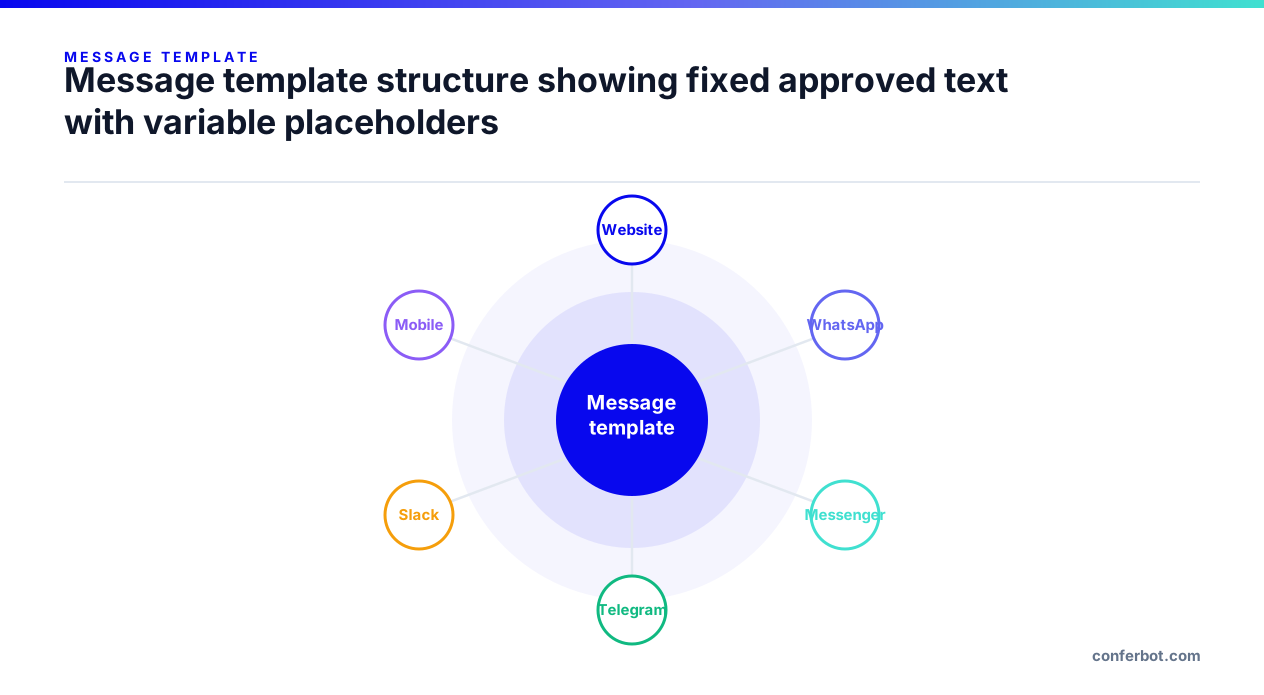
Templates typically contain fixed text plus variable placeholders - an order number, a name, an appointment time - that are filled at send time. The structure is approved once; the values change per message.
The Customer-Service Window
The rule that makes templates necessary is the customer-service window: a period that opens when a customer messages you, during which you may reply freely with any content. On WhatsApp this window is 24 hours from the customer's most recent message.
The practical consequences:
- Inside the window - reply with anything: free text, media, buttons. No template needed.
- Outside the window - you may only send an approved template. A plain text reply will be rejected.
- Each new customer message reopens the window, so an active back-and-forth never hits the limit.
This is why chatbot flows that resolve inside a single session rarely encounter templates at all, while anything asynchronous - a shipping update two days later, an appointment reminder next week - always does.
Template Categories
Channels classify templates by purpose, and the category affects both approval strictness and cost:
| Category | Used for | Approval |
|---|---|---|
| Utility | Order confirmations, shipping updates, appointment reminders, account alerts | Usually straightforward |
| Authentication | One-time passcodes and verification | Narrow, strict format |
| Marketing | Promotions, re-engagement, product news | Strictest; requires clear opt-in |
Misclassifying a marketing message as utility to get easier approval is the most common cause of template rejection and, repeated, of account-level restrictions. Categorise honestly.
Why Templates Get Rejected
Approval is largely mechanical once you know what reviewers look for. The recurring rejection reasons:
- Placeholder abuse. A template that is almost entirely variables -
{{1}} {{2}} {{3}}- gives reviewers nothing to assess and is refused. - Starting or ending with a variable. Many channels reject templates whose first or last character is a placeholder.
- Vague content. "Hi {{1}}, we have news for you!" does not describe what will actually be sent.
- Wrong category. Promotional content submitted as utility.
- Missing opt-out. Marketing templates generally need a clear way to stop receiving them.
- Formatting errors. Unbalanced placeholders, unsupported markup, or exceeding length limits.
Write templates as if the recipient has forgotten who you are, because often they have. Specific beats clever.
Writing Templates That Work
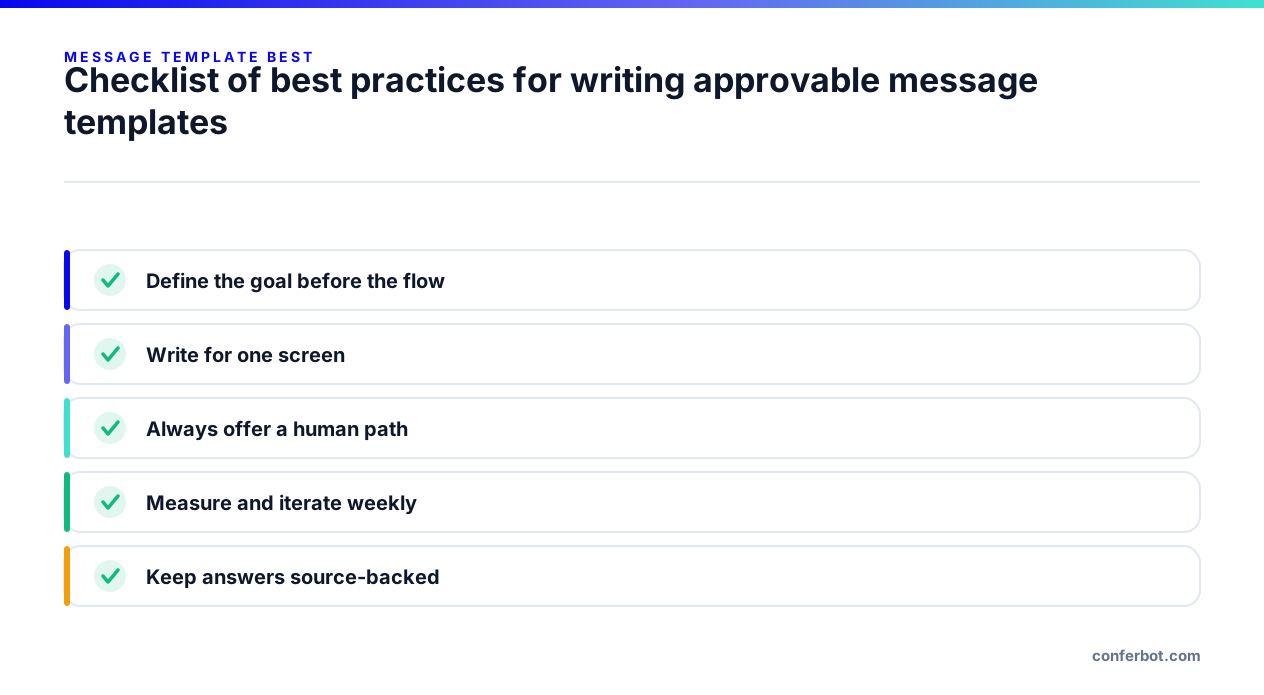
- Lead with identity and purpose. Business name and reason for contact in the first line.
- Keep placeholders meaningful. Prefer
{{order_number}}semantics over positional numbers wherever the channel allows it, and never place a variable adjacent to another variable. - One template, one job. Do not try to make a single template serve reminders and promotions.
- Add buttons where supported. Quick-reply and call-to-action buttons materially raise response rates over plain text.
- Version deliberately. Editing an approved template usually re-triggers review, so treat live templates as fixed and create new ones for changes.
- Pre-approve before you need them. Review takes time; a template requested during an incident arrives too late to be useful.
Templates and Chatbot Flows
Templates change how you design conversations, because the flow can no longer assume it may speak whenever it wants.
Practical design implications:
- Front-load what matters. Resolve as much as possible inside the open window rather than relying on follow-ups.
- Design the re-entry. A template that resumes an abandoned conversation should restate context - the customer will not remember where they left off.
- Track the window. Your platform should know whether a given conversation is inside or outside it, and choose free text or a template accordingly.
- Do not template channels that do not need it. Website widgets, Telegram, Discord and Slack have different rules; a design that assumes WhatsApp constraints everywhere is needlessly restrictive.
This is one of the concrete reasons channel-specific behaviour matters even on an omnichannel platform: the same flow should adapt its outbound behaviour to each channel's messaging rules rather than applying the strictest one universally.
Frequently Asked Questions
What is a message template?
Why does WhatsApp require message templates?
What is the 24-hour window on WhatsApp?
Why was my message template rejected?
Do all chatbot channels require message templates?
Free plan, no credit card required.