
Key Takeaways
- A unified inbox is one queue spanning every channel, with each conversation carrying the customer's full cross-channel history.
- Aggregation is not unification: if two threads from the same person remain separate rows, the main benefit is missing.
- Identity resolution is the prerequisite - without an email, phone or linked session there is nothing to merge conversations on.
- Replies must go back out in the originating channel's native format, or a win for agents becomes a downgrade for customers.
What Is a Unified Inbox?
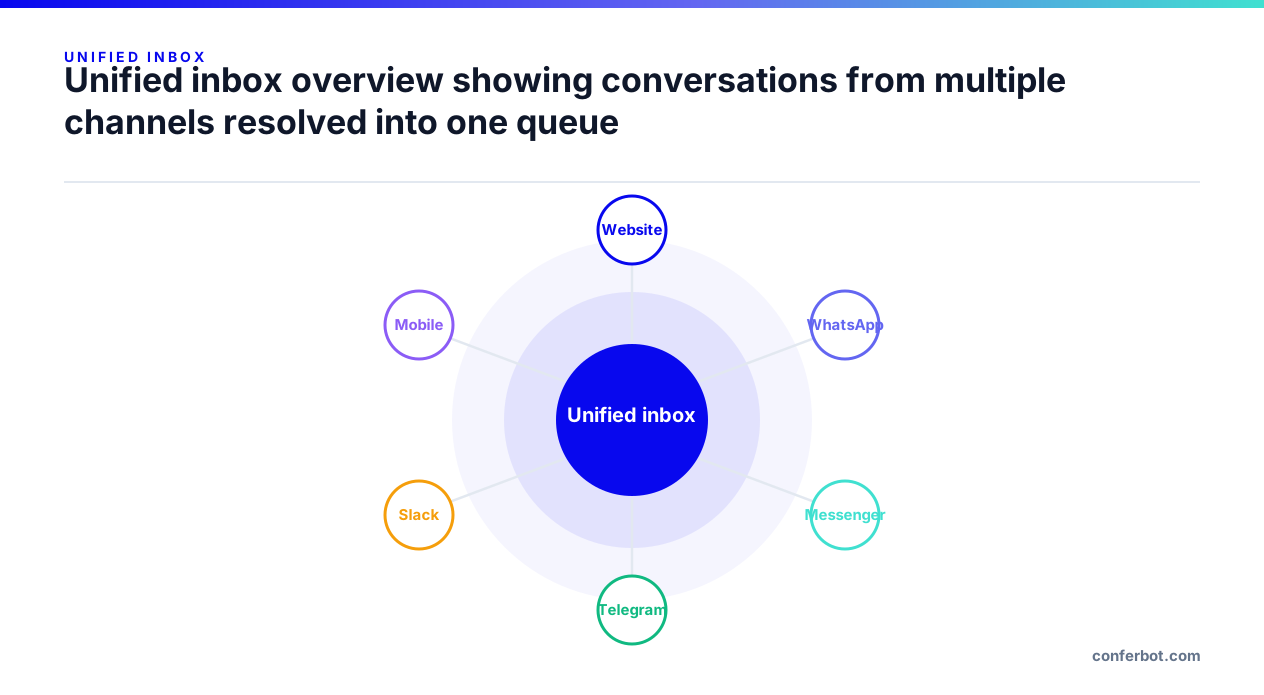
A unified inbox is a single queue where agents see conversations from every channel in one place, with each conversation carrying the customer's full history regardless of where earlier messages arrived.
It is the operational half of omnichannel support. Shared conversation context is the data property; the unified inbox is where that property becomes useful to the humans doing the work.
The distinction that matters is between aggregated and unified. An aggregated inbox shows several channels side by side but still treats each thread as separate. A unified inbox resolves them to one customer and one continuous history.
How a Unified Inbox Works
Four things have to line up for an inbox to be genuinely unified:
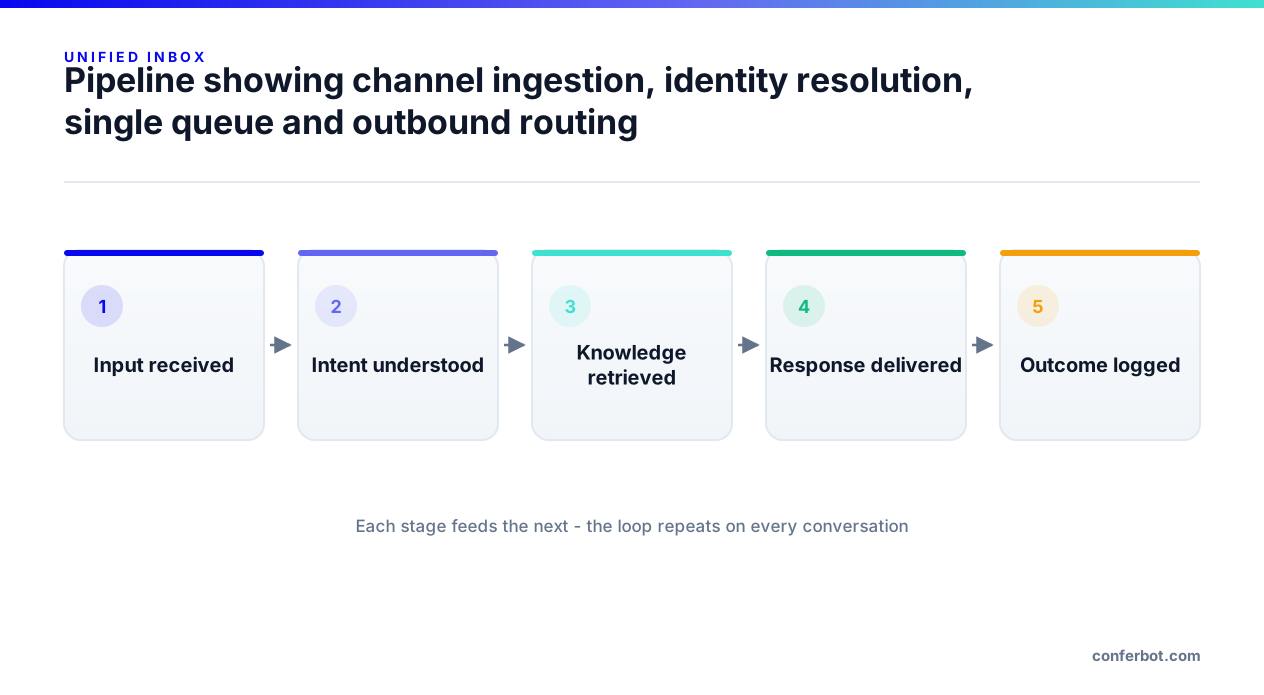
- Channel ingestion. Messages from every connected channel are normalised into a common conversation object, so a WhatsApp message and a website chat message become the same kind of record.
- Identity resolution. Some key - email, phone number, account ID or a linked session - ties those records to one person.
- A single queue. Agents work one list, not one tab per channel, with channel shown as an attribute rather than a separate destination.
- Outbound routing. When the agent replies, the platform sends the response back out through the channel the customer used, in that channel's native format.
That last step is what stops a unified inbox from feeling unified to staff but broken to customers: the reply must arrive on WhatsApp as a WhatsApp message, with buttons rendered the way WhatsApp renders them.
What a Good Unified Inbox Contains
Beyond the message list, the features that change day-to-day agent work:
- Full conversation history including the bot portion, so the agent can see what automation already tried before escalating.
- Internal notes visible to the team but not the customer, ideally with @mentions so a colleague can be pulled in without leaving the thread.
- Conversation status and assignment so two agents do not answer the same person simultaneously.
- Bot pause control so automation stops replying the moment a human takes over.
- Transcript export or email for record-keeping and follow-up.
- Satisfaction capture attached to the conversation rather than the channel, so CSAT reflects the whole journey.
Some platforms add an AI copilot panel that summarises the conversation, suggests a priority or sentiment read, and drafts replies for the agent to edit. That is useful specifically because the summary is drawn from the unified history rather than a single channel fragment.
Why It Changes Support Economics
The gains come from removing work that was never visible on any dashboard:
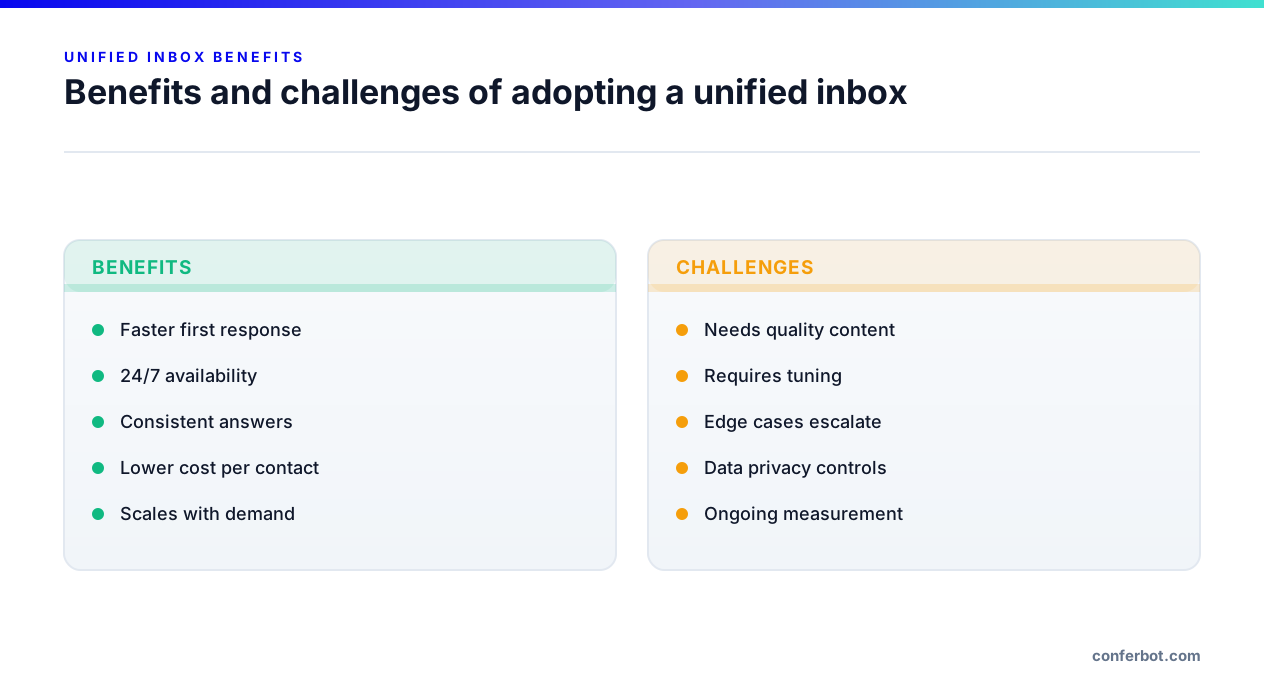
- No context reconstruction. Agents stop opening three tools to piece together what happened.
- Fewer repeat explanations. The single most common customer complaint in support surveys is having to repeat oneself, and it is a direct consequence of split inboxes.
- Honest metrics. One customer touching three channels counts as one conversation, so resolution and deflection rates stop being inflated.
- Faster handover. Bot-to-human escalation carries the transcript with it instead of dumping the agent into a cold thread.
- Simpler staffing. One queue can be staffed by capacity rather than by channel specialism.
Common Pitfalls
Unified inboxes fail in predictable ways:
- Aggregation mistaken for unification. If threads from the same person are still separate rows, the core benefit is missing.
- No identity key. Without an email or phone captured somewhere, there is nothing to resolve identities on, and the inbox stays fragmented in practice.
- Formatting loss on the way out. Replies that render as plain text on channels that support buttons and carousels make the experience worse than the native tool it replaced.
- Notification overload. Merging every channel into one queue without filters or assignment turns the inbox into an unreadable firehose.
- Bot and human talking over each other. Without an explicit pause or lock, automation keeps replying while an agent is typing.
Unified Inboxes and Chatbots
A chatbot and a unified inbox are two halves of one system. The bot handles volume; the inbox handles what the bot escalates. If they do not share state, escalation becomes a handoff into a vacuum - the customer explains again, and the value of the automation is partly cancelled.
On Conferbot, conversations from all 13 deployment destinations land in one agent inbox with the bot transcript attached, agents can add internal notes with @mentions, and a conversation can be locked so automation and other agents are frozen out while one person handles it. Analytics carry a channel attribute rather than living in separate per-channel dashboards.
Frequently Asked Questions
What is a unified inbox?
What is the difference between a shared inbox and a unified inbox?
Does a unified inbox require omnichannel support?
How does a unified inbox improve response times?
Do I still see which channel a message came from?
Build it yourself - free plan, no credit card required.